When emotions affect your decisions, open Tilt SOS and take a moment to pause.
Open Tilt SOS
Open Play. SOS is also available in a live session, the recorder and Study.
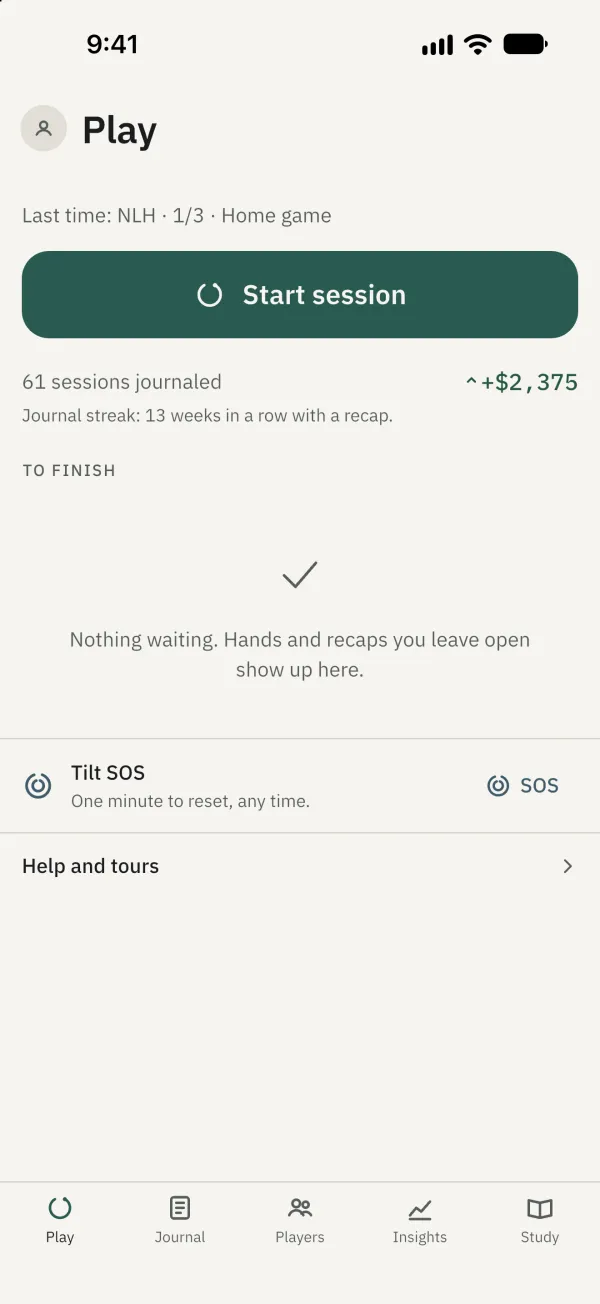
Tap SOS to begin.
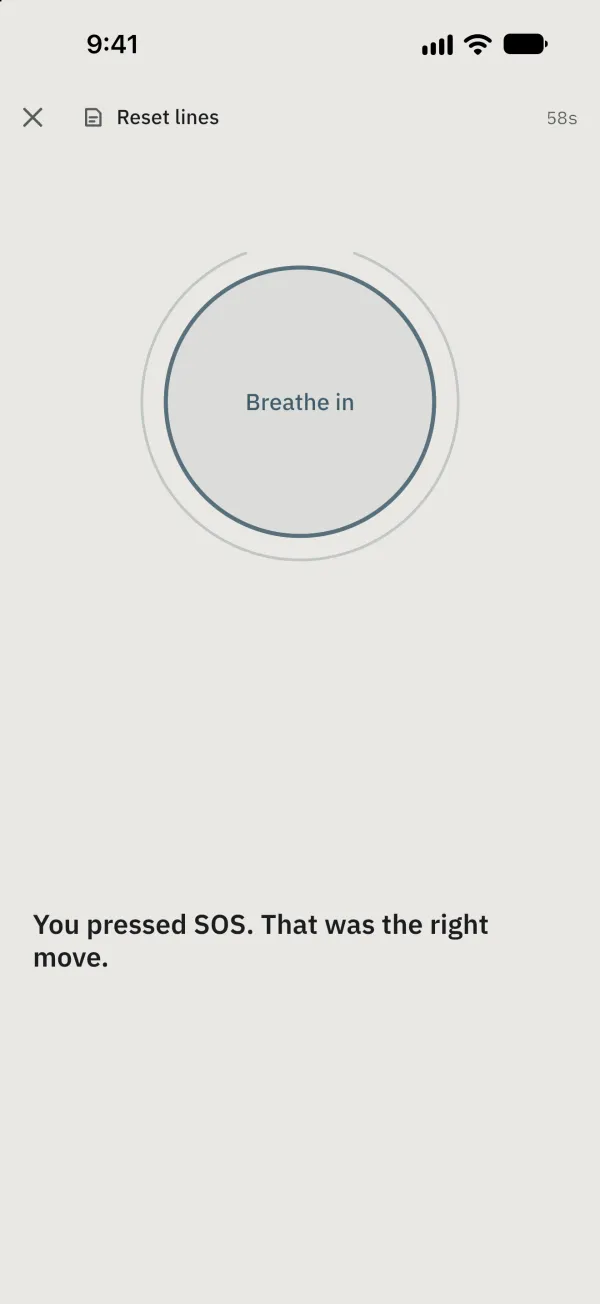
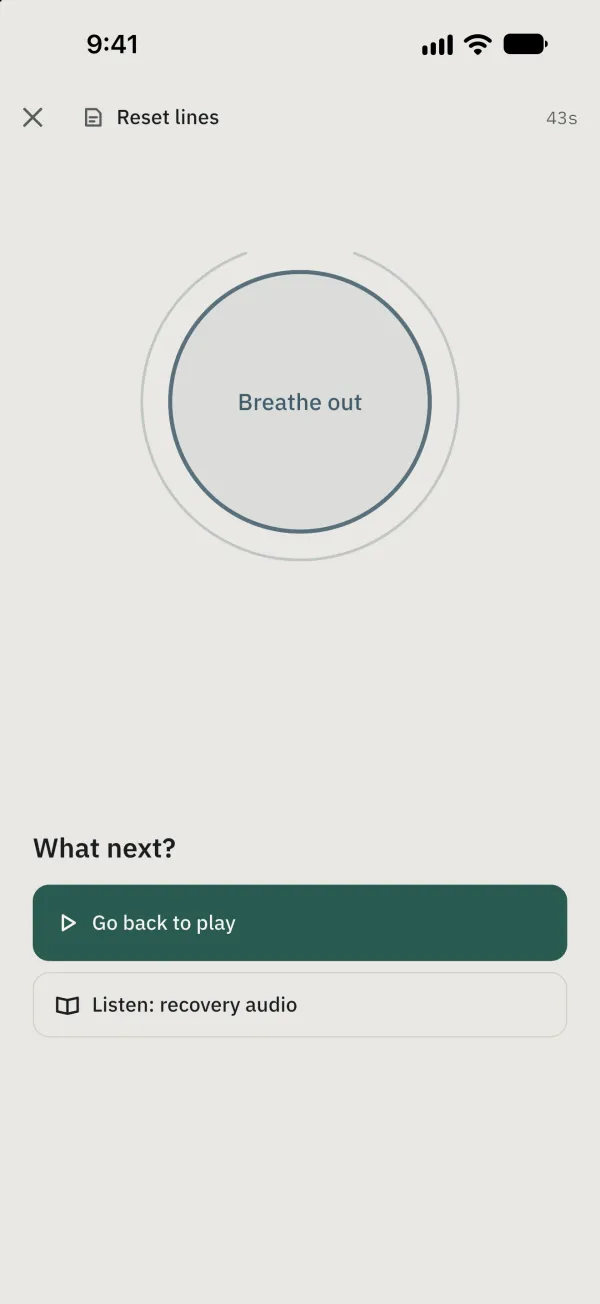
Wait a few seconds and follow the breathing guidance.
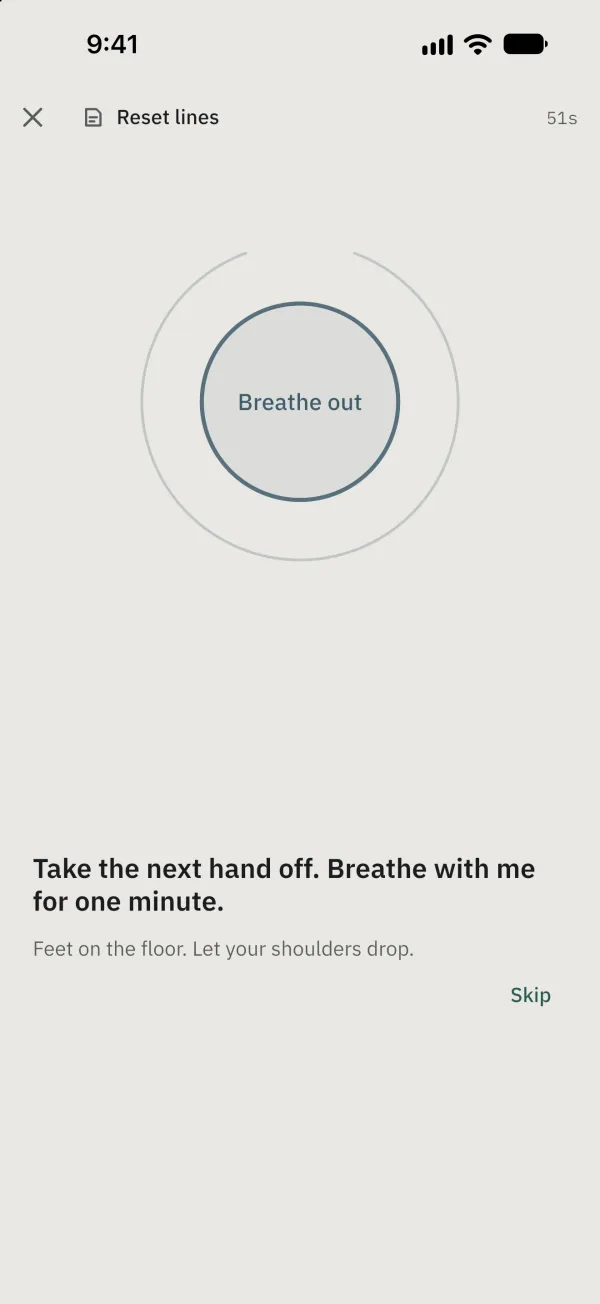
Tap Skip or wait about 20 seconds for the question to appear; the breathing ring continues. Optionally select a trigger and its strength.
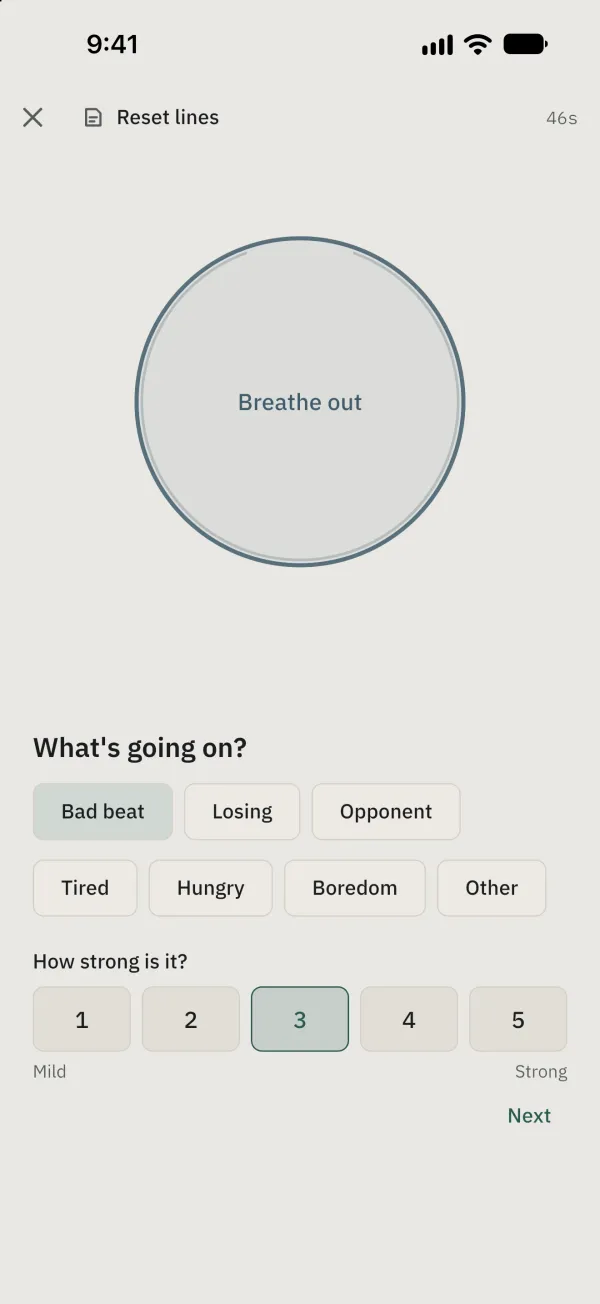
Tap Next after selecting a trigger or strength, or Skip without a selection. You can choose Go back to play or Listen: recovery audio; in a live session, Sit this one out and Stop for the night also appear.
Common problems
Does opening SOS pause the clock? Not automatically. Choosing Sit this one out pauses the live session clock.