Export your records as a ZIP file and save it somewhere you trust. The file is made on your device, then the system share sheet opens.
Export your data
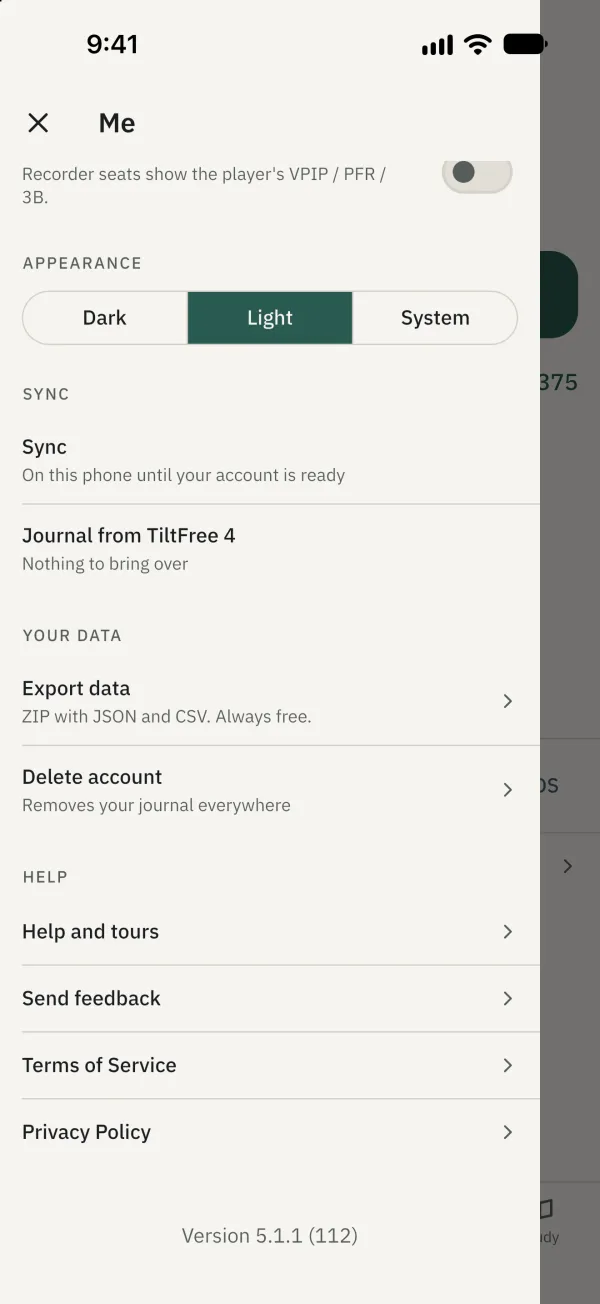
In Thinking Poker, tap the avatar at the top left to open Me, then tap Export data under Your data.
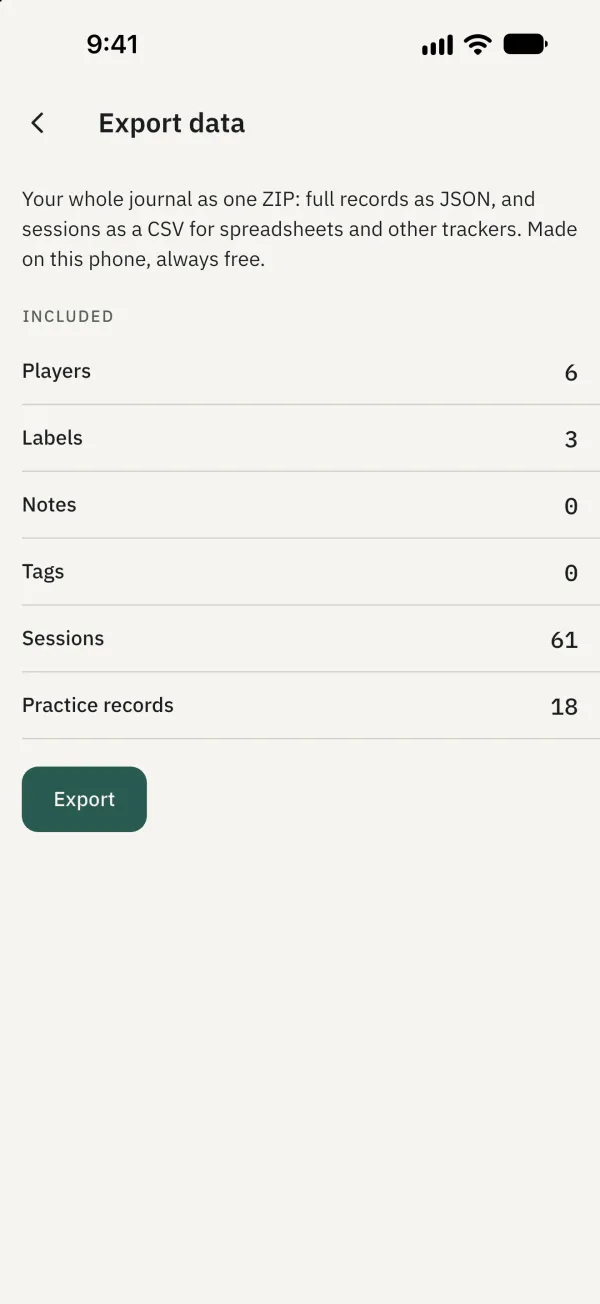
Review the data types and counts under Included, then tap Export.
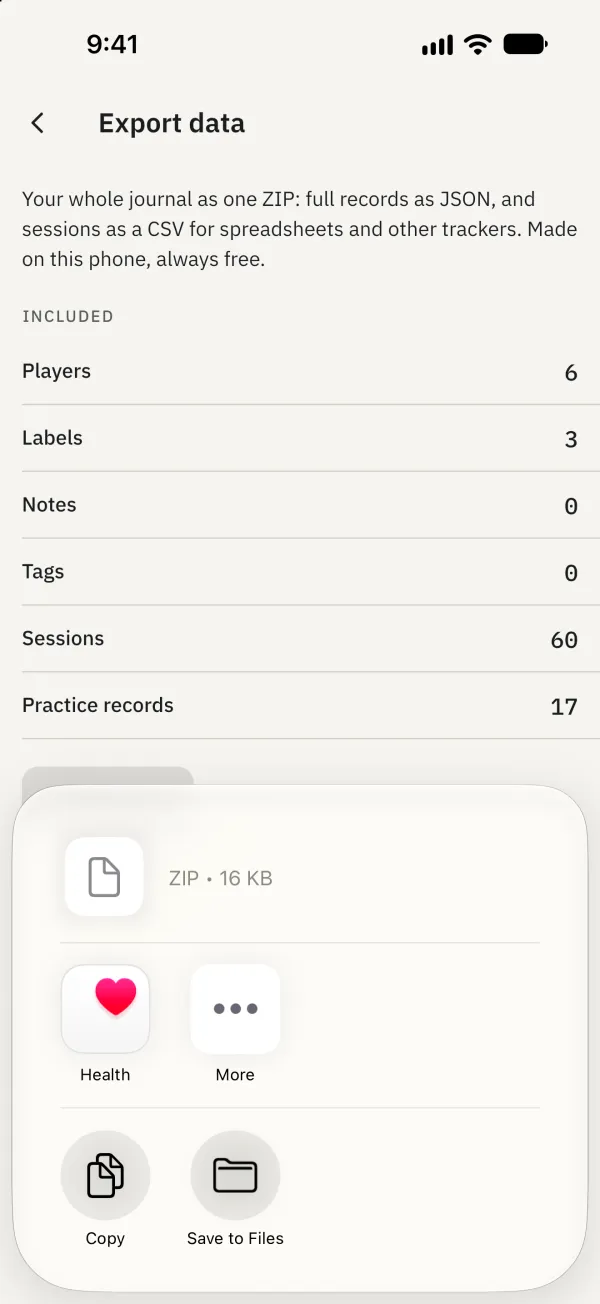
Choose how to save or share the file in the system share sheet, and check that it was saved.
The ZIP contains full records as JSON and sessions as a CSV file.
Common problems
What if the export doesn't finish?
Try again. If export fails, the app says that nothing was changed.