Enter hands and any known board cards to see each player’s equity.
Compare hands
Tap Study, then Equity calculator.
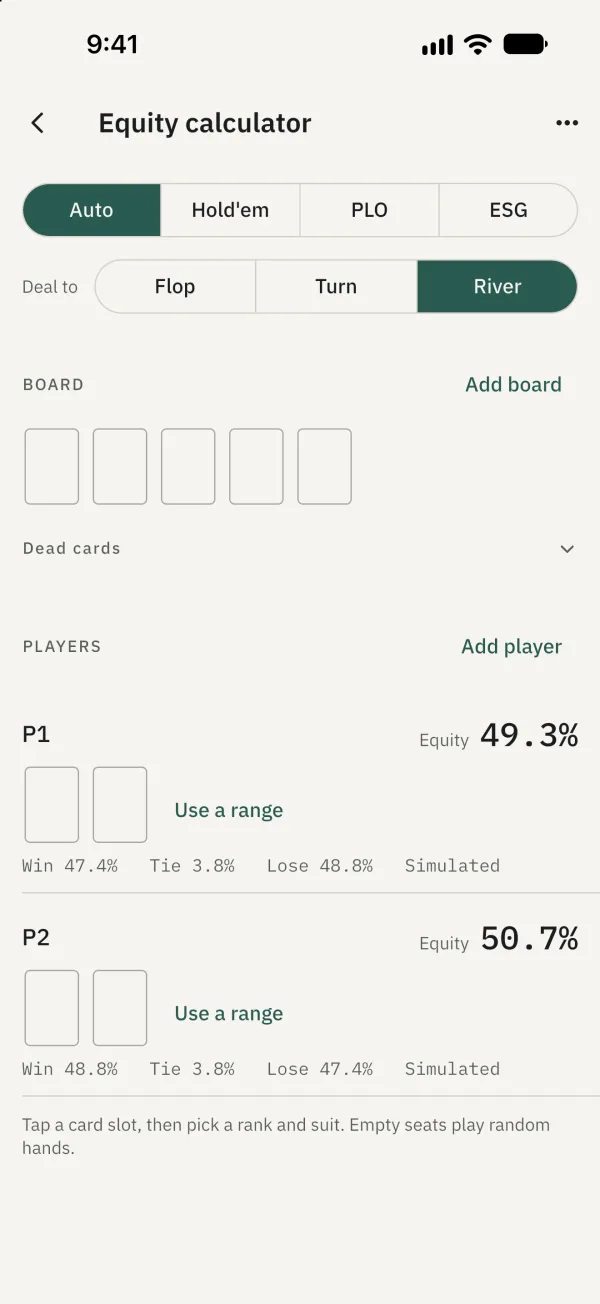
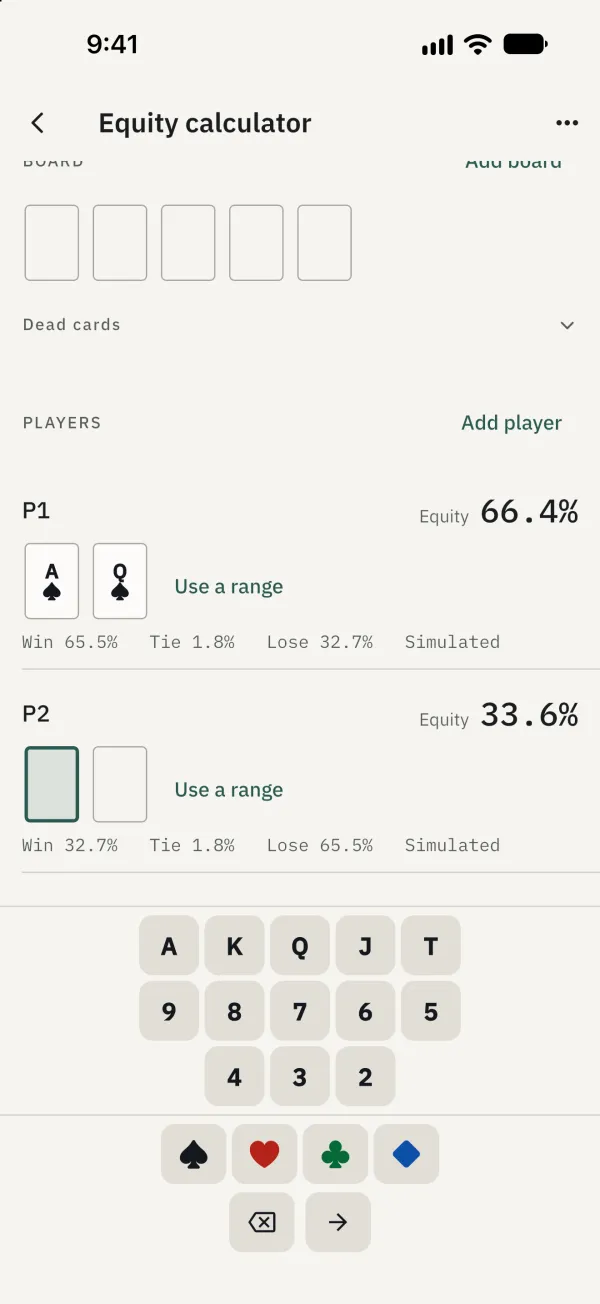
Tap a player’s card slot and select cards for the hands you want to compare. Empty seats play random hands.
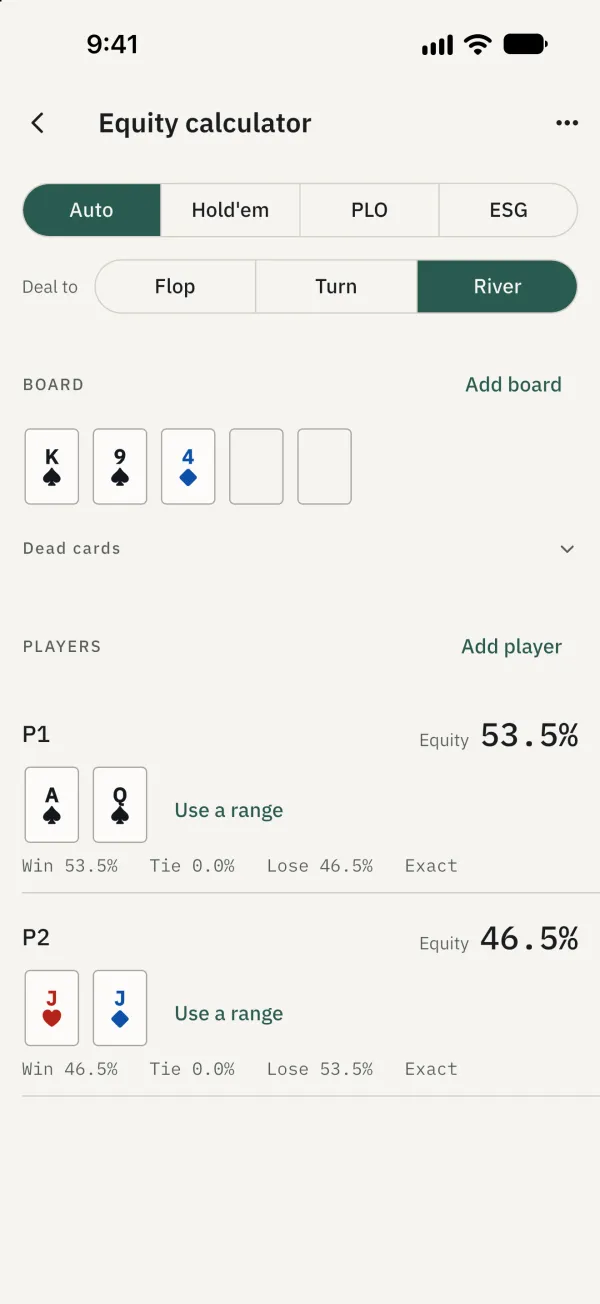
If board cards are known, select the street and enter them. The results show each player’s equity and win, tie and loss percentages.
Use a range or save a scenario
Tap Use a range at a player’s seat, choose a preset or enter range text, then tap Apply. Once the scenario is set up, use ⋯ at the top right to save it and open it later from saved scenarios.
Common problems
Why can’t I switch games? Ranges are for Hold’em only. Remove player ranges before switching to PLO or ESG. At most four players can have a range.