Choose a chart drill or play hands in Study to get feedback on preflop decisions.
Practise a chart
Tap Study, then Chart trainer.
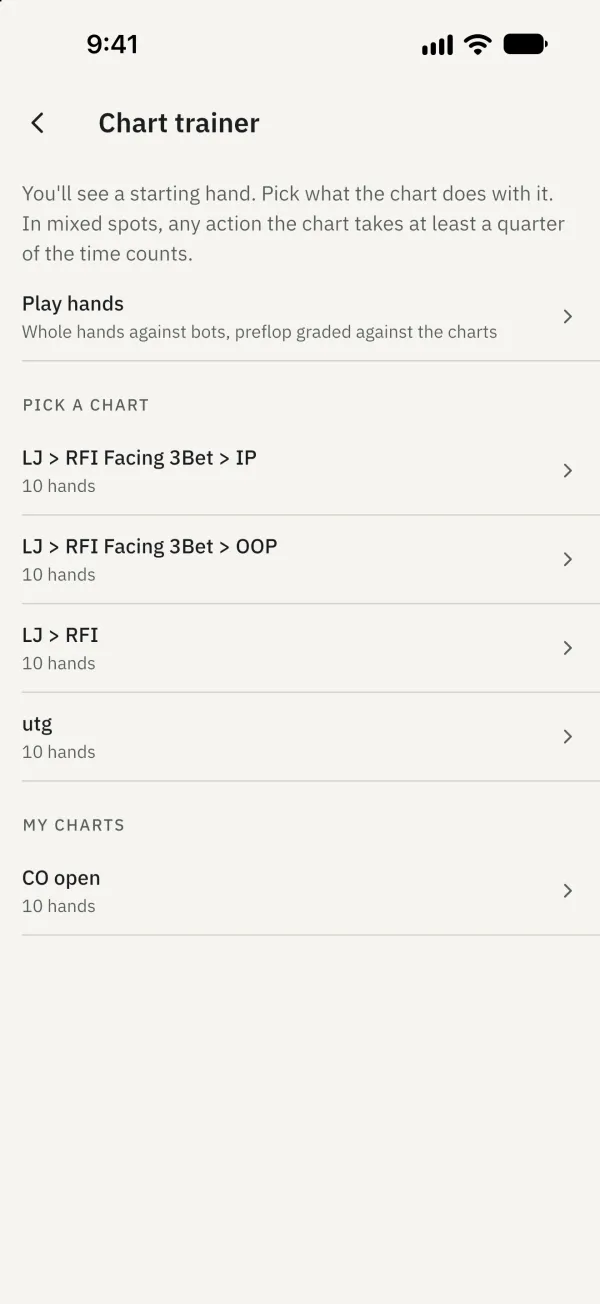
Choose a chart to open the first question.
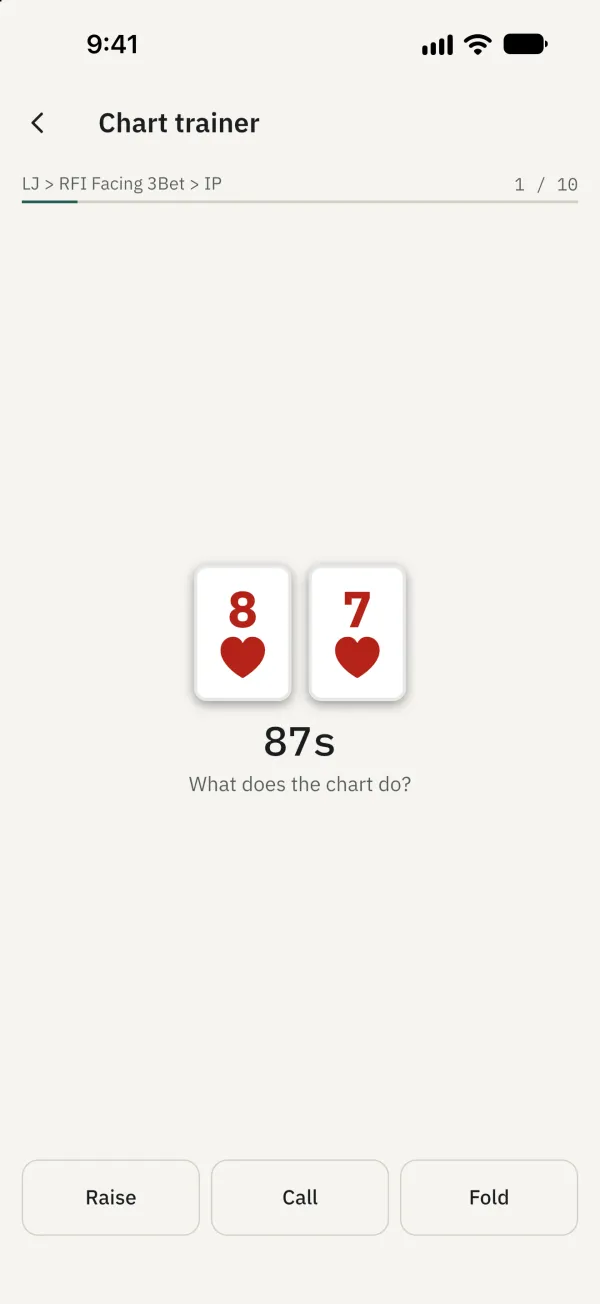
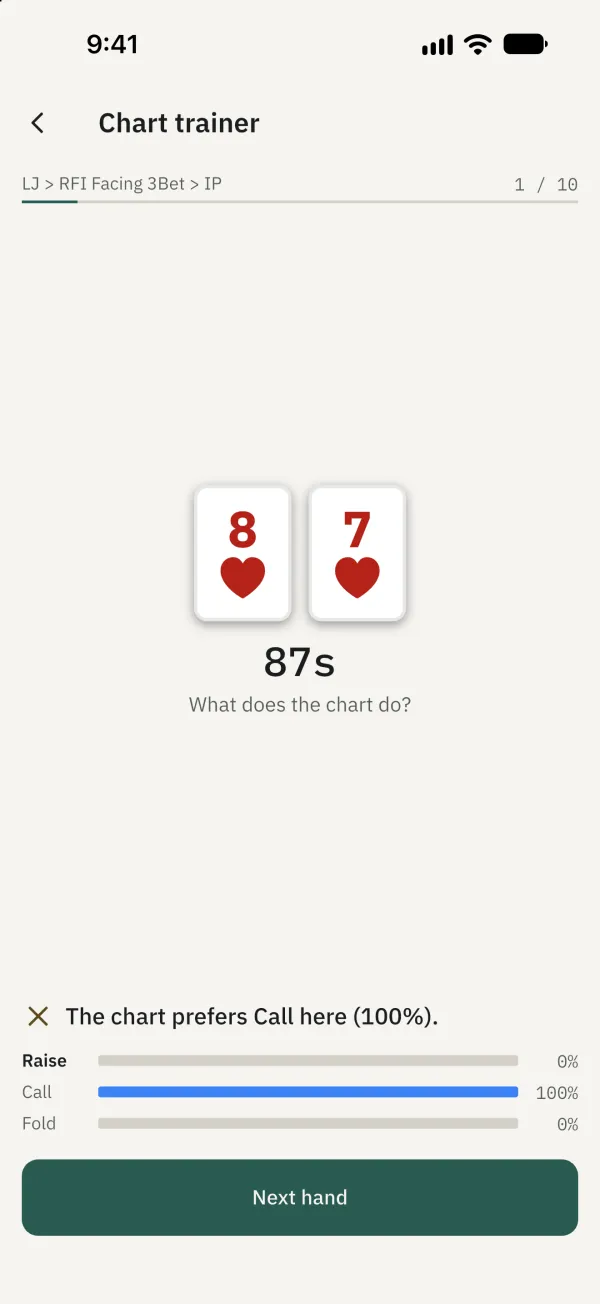
Choose an action to see the feedback. In a mixed spot, an action the chart takes at least a quarter of the time counts as a match.
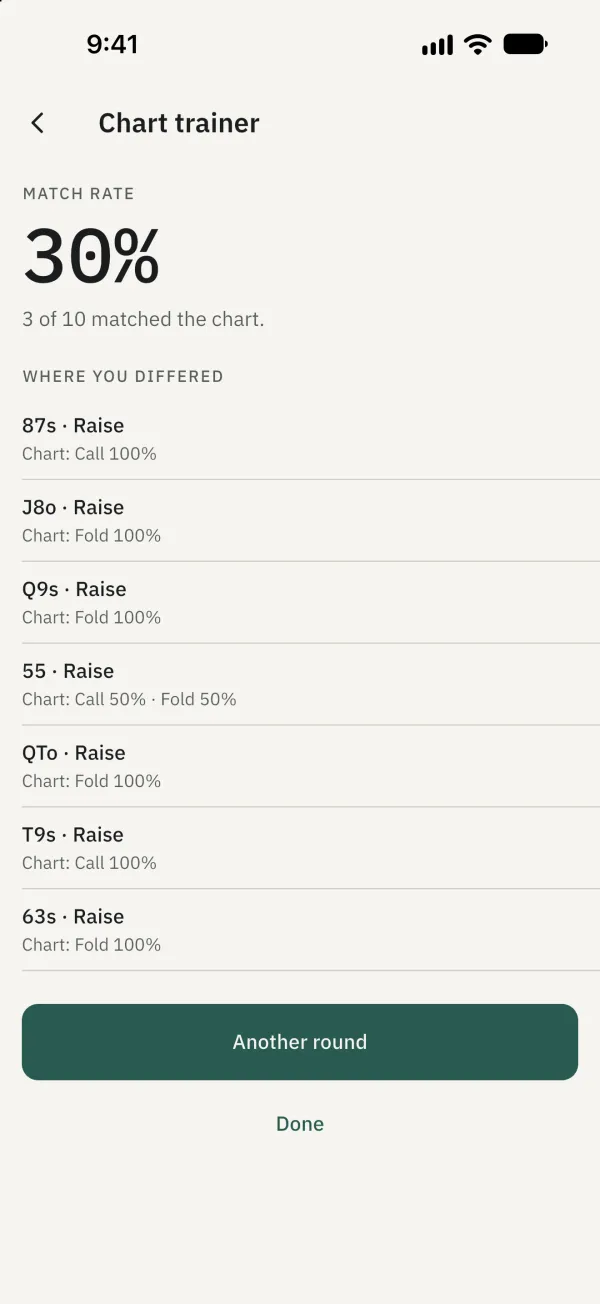
Continue through all ten hands to see your match rate and decisions that differed from the chart.
Play full hands
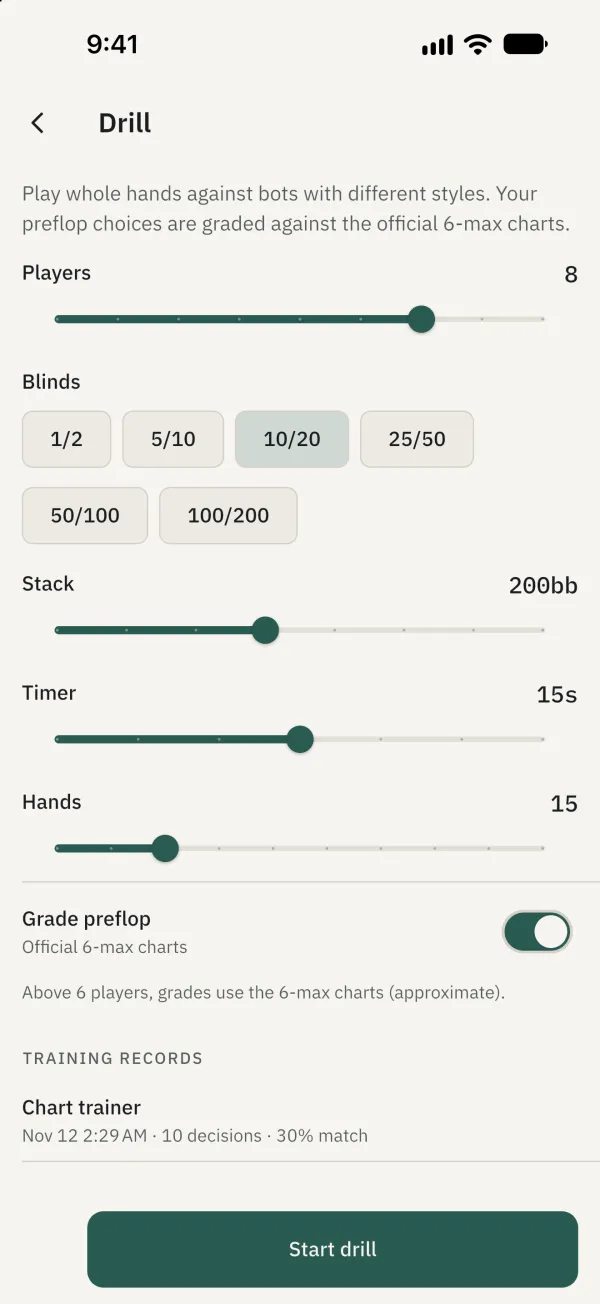
Tap Play hands, set options such as players, blinds, stack and number of hands, then start the drill. When finished, review your decisions and preflop results.
Common problems
Why was my preflop play not graded? Hands are not graded with fewer than six players, when Grade preflop is off, or if the charts fail to load. Above six players, grades use the six-max charts and are approximate.