Range charts show action frequencies for starting hands.
Read a range chart
Tap Study.
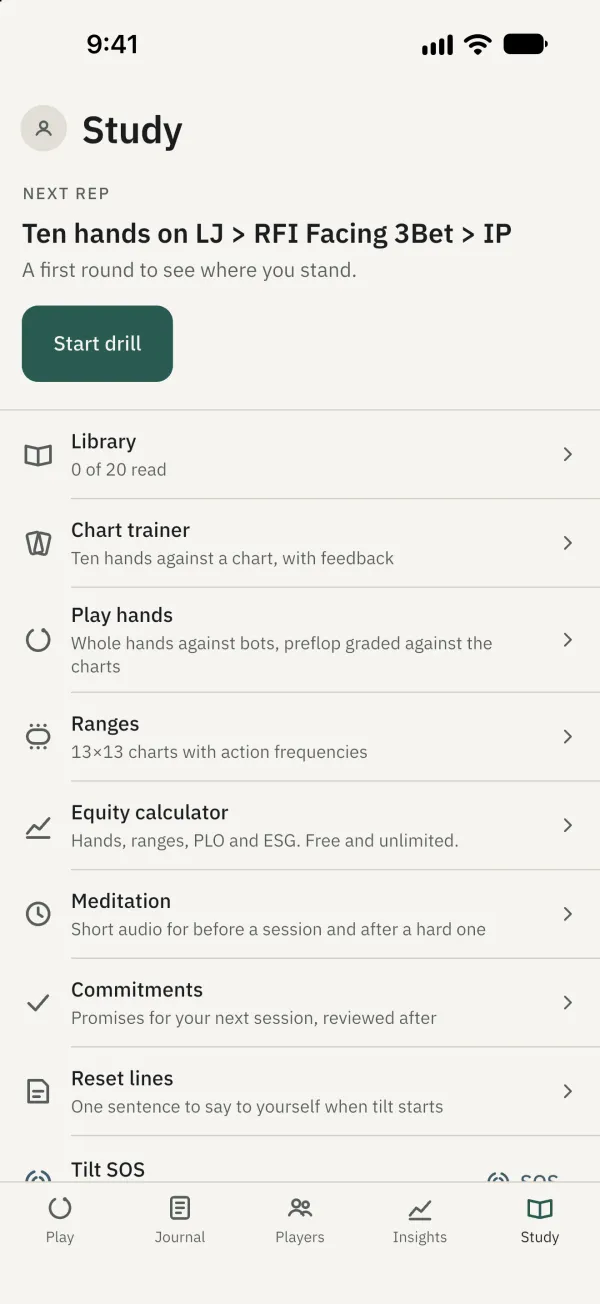
Tap Ranges.
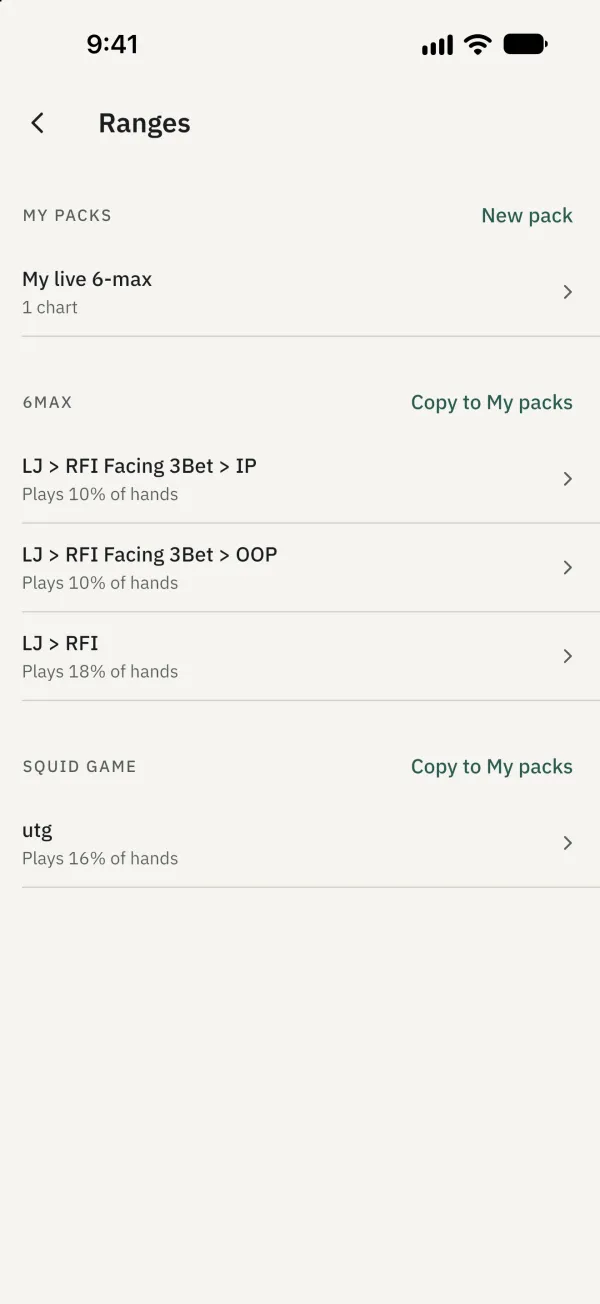
Open a chart to see its 13×13 grid. Tap a hand to see its action frequencies; tap it again to deselect it.
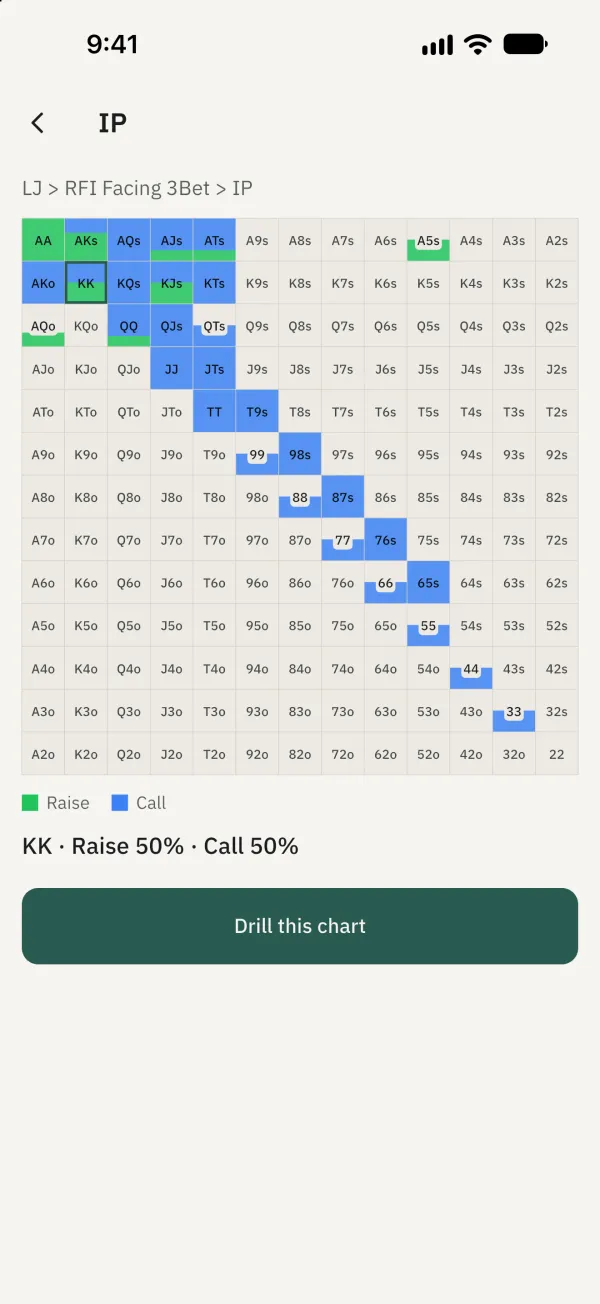
On a shared chart, tap Drill this chart; on your own chart, tap Train this chart to practise.
Create your own chart
In the range list, tap New pack and enter a name; you can also copy a shared pack to My packs. Open your pack.
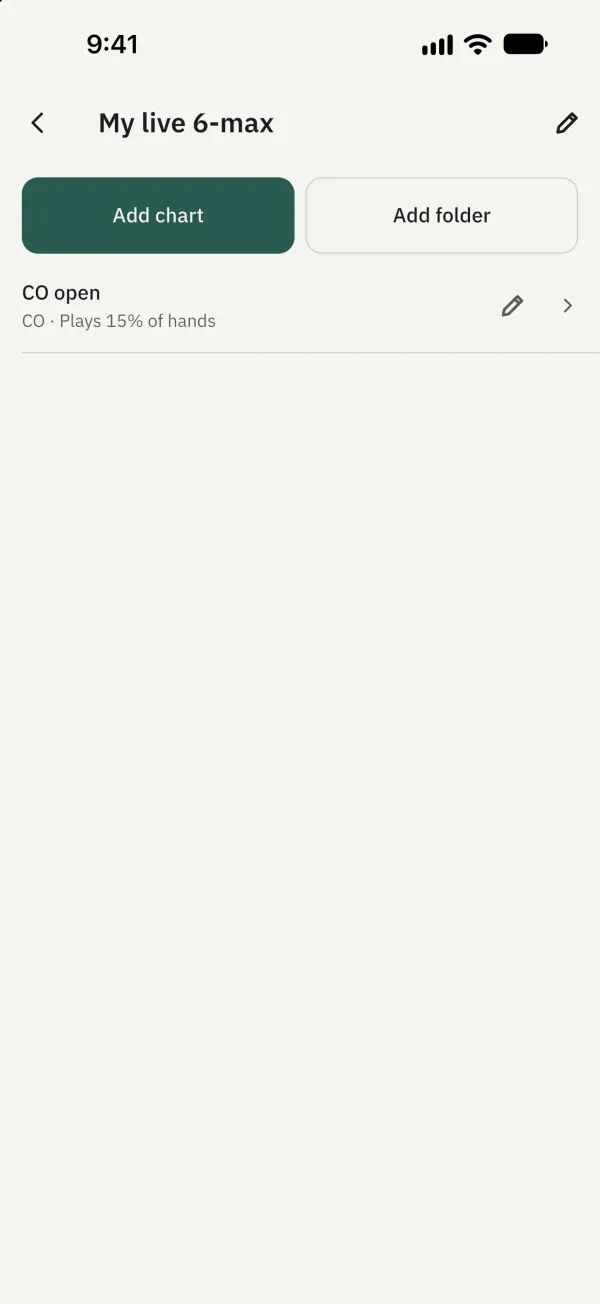
Tap Add chart. In the editor, choose a Brush, tap or drag across the grid, then save.