Link Apple or Google and check the Sync section to see whether changes have been sent.
Link and check sync
Tap the avatar in the header to open Me. A guest journal is kept on this phone.
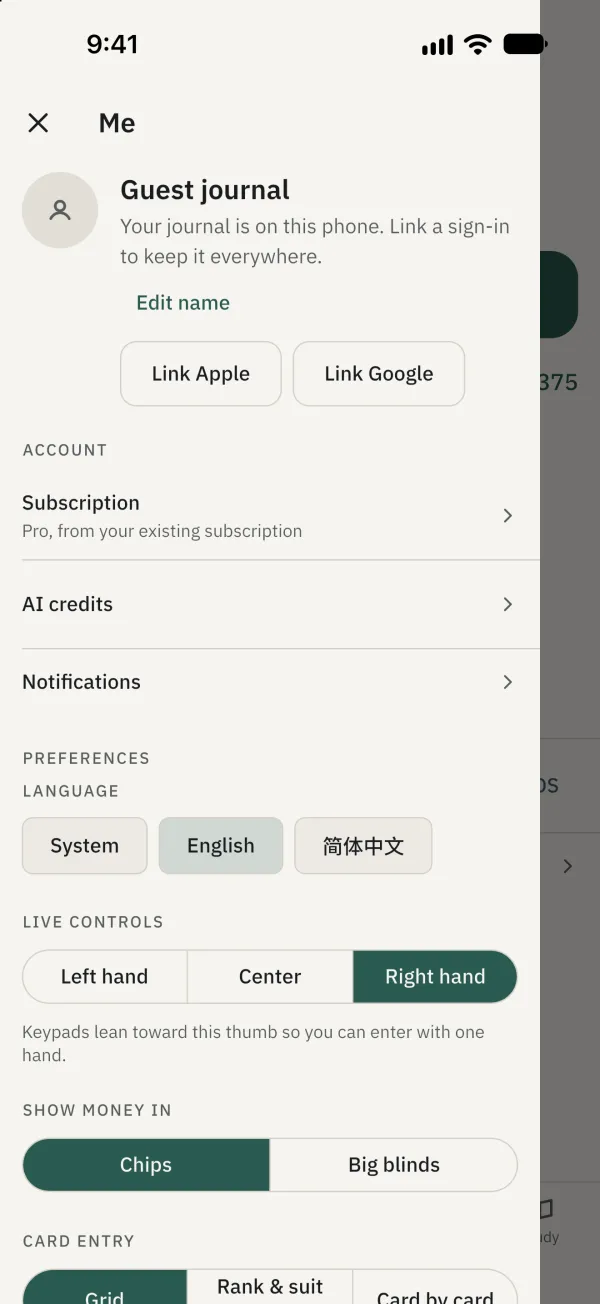
Tap Link Apple or Link Google and complete the system sign-in. The Apple option appears on iOS.
Check the status in Sync. If offline or changes are waiting, reconnect and let the app continue syncing.
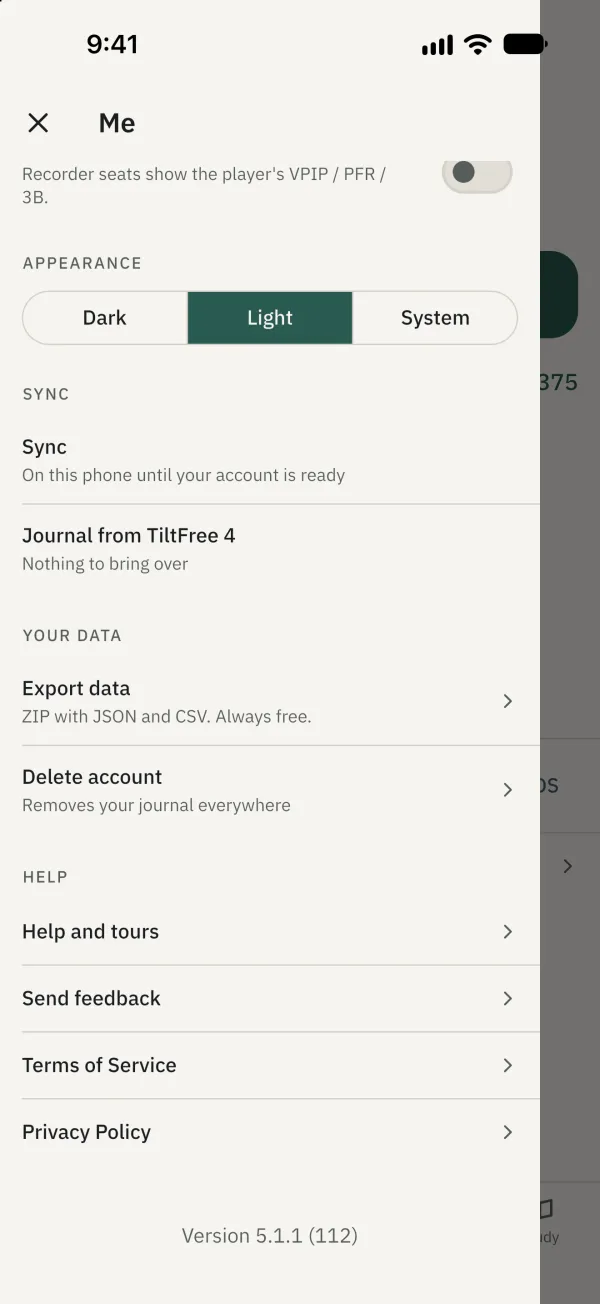
Before signing out
When you tap Sign out, the app first tries to sync. If changes remain unsynced, it warns they will be lost from the phone if you sign out; cancel to keep them on the phone and wait for the app to finish syncing before signing out. A completed sign-out normally clears the local journal from this phone after the sync attempt. You can also export your data to keep your own file.