Open a finished hand and choose how to share it.
Share a link
In Journal, open a hand under Hands and find Share to thinking.poker.
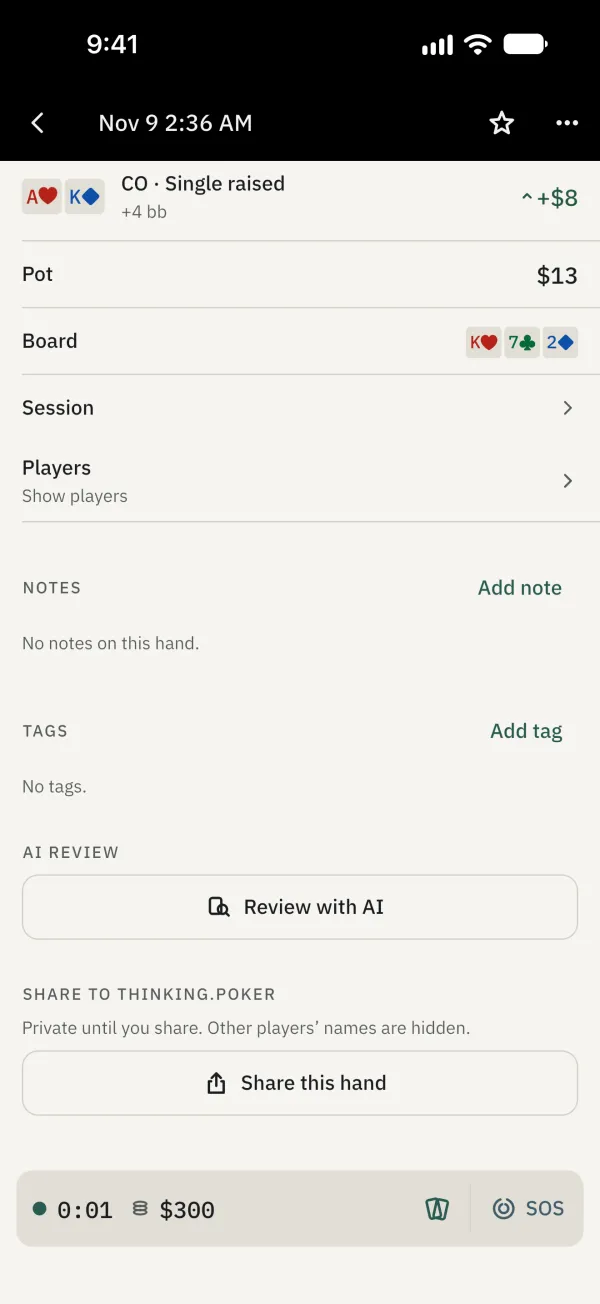
Tap Share this hand, then sign in with Apple or Google to share.
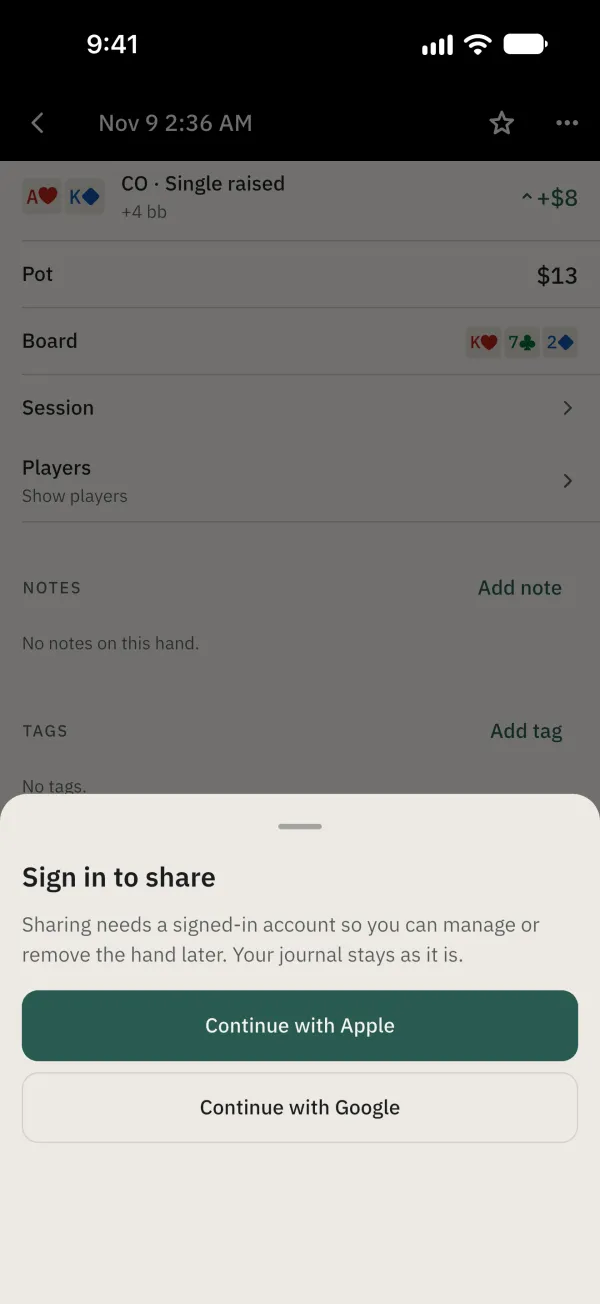
After signing in with Apple or Google, tap Share this hand. Choose Unlisted or Public, optionally add a title and note, and set whether to allow comments.
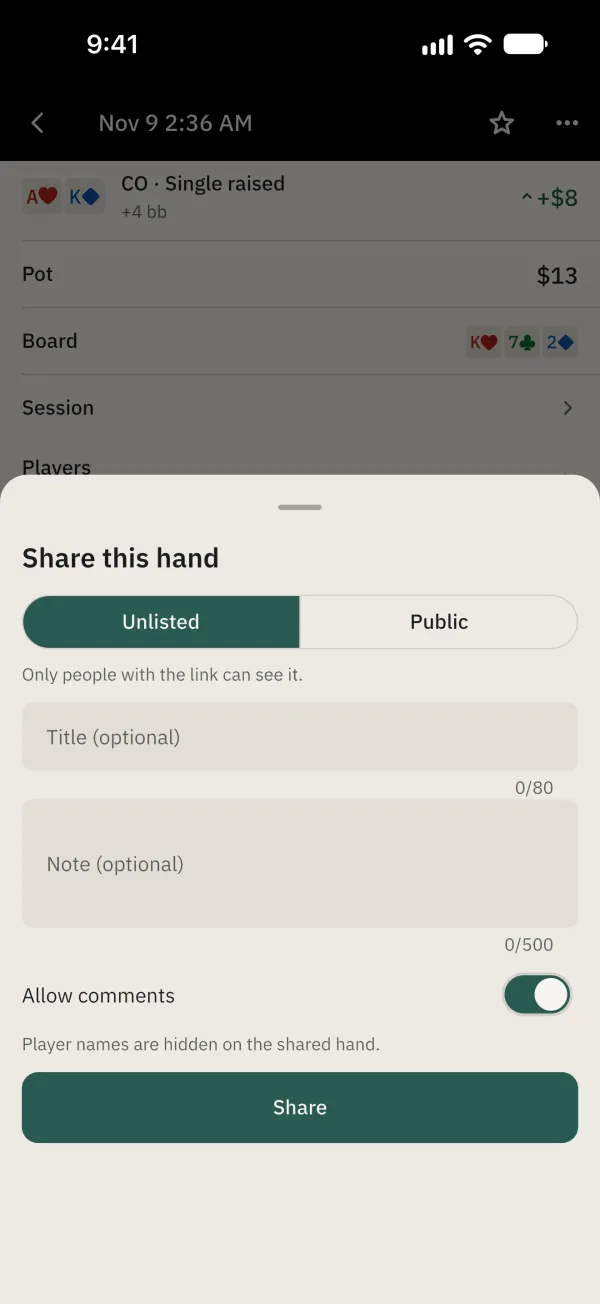
Tap Share. Player names are hidden on the link. The shared hand offers Copy link, Share…, Update and Unshare.
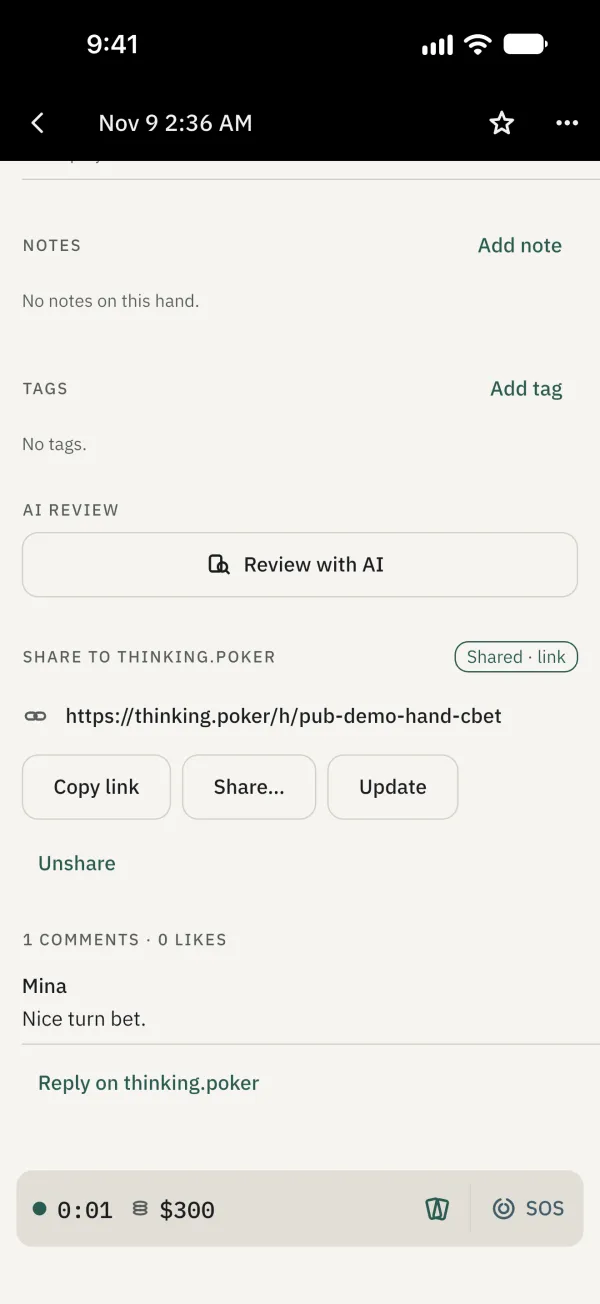
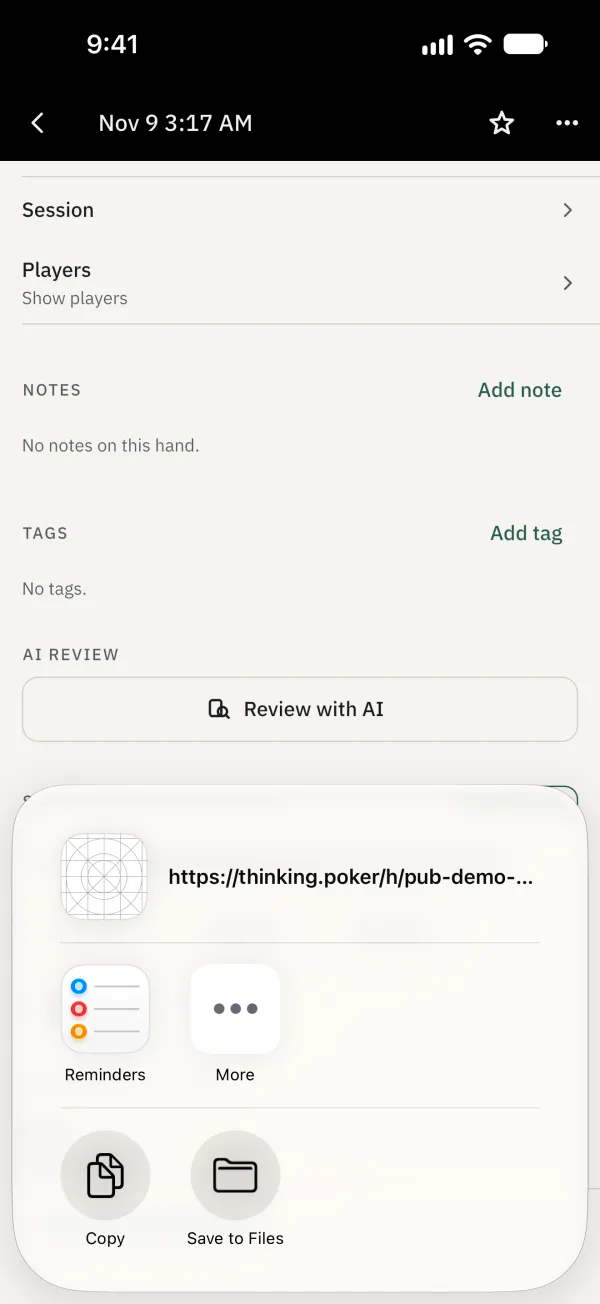
Tap Share… to open the system share sheet.
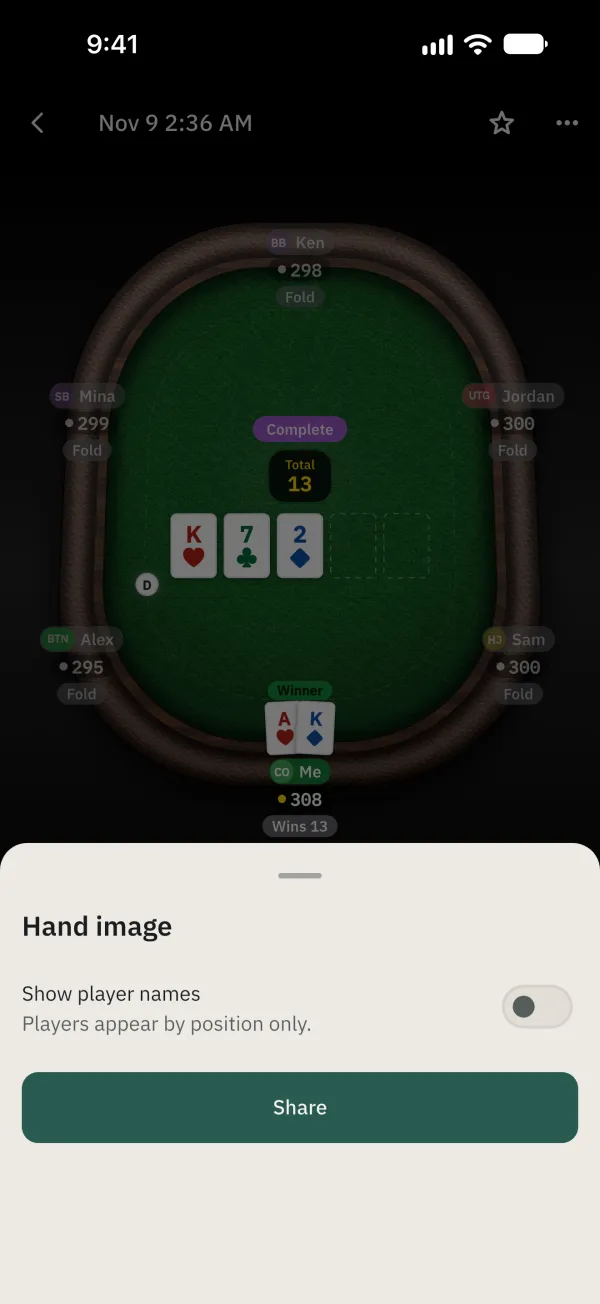
To share an image, open ⋯ and choose Save or share image; check the player-name setting.
Common problems
How do I share an image or text?
From the ⋯ menu on the hand, choose Save or share image, Copy image, Copy as PokerStars text or Copy as summary. If offered a player-name option, check it before sharing.