AI review uses credits.
Request a review
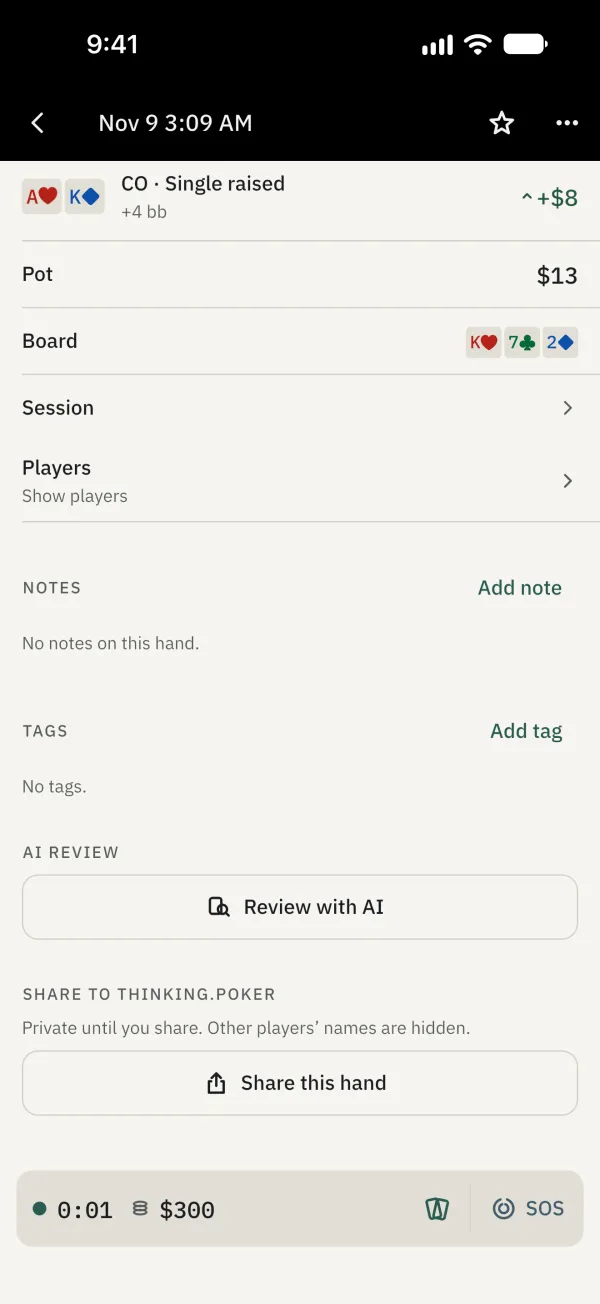
In Journal, open a finished hand or an ended session.
Find AI review and tap Review with AI. Follow the prompts to send it for review; sign in if prompted.
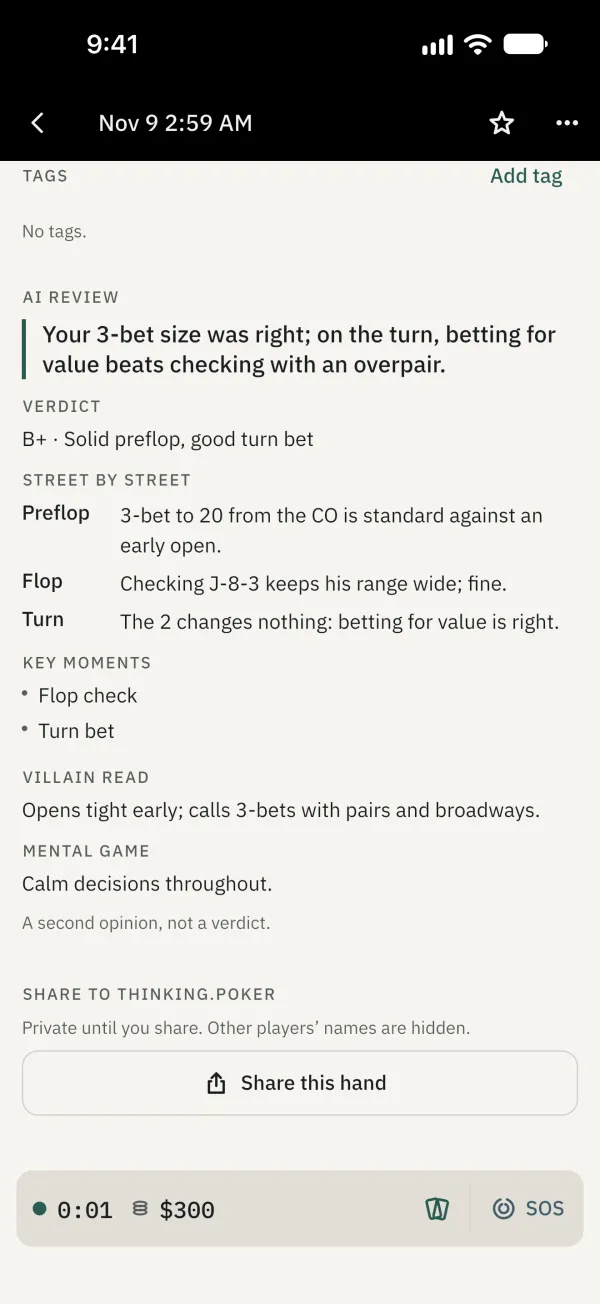
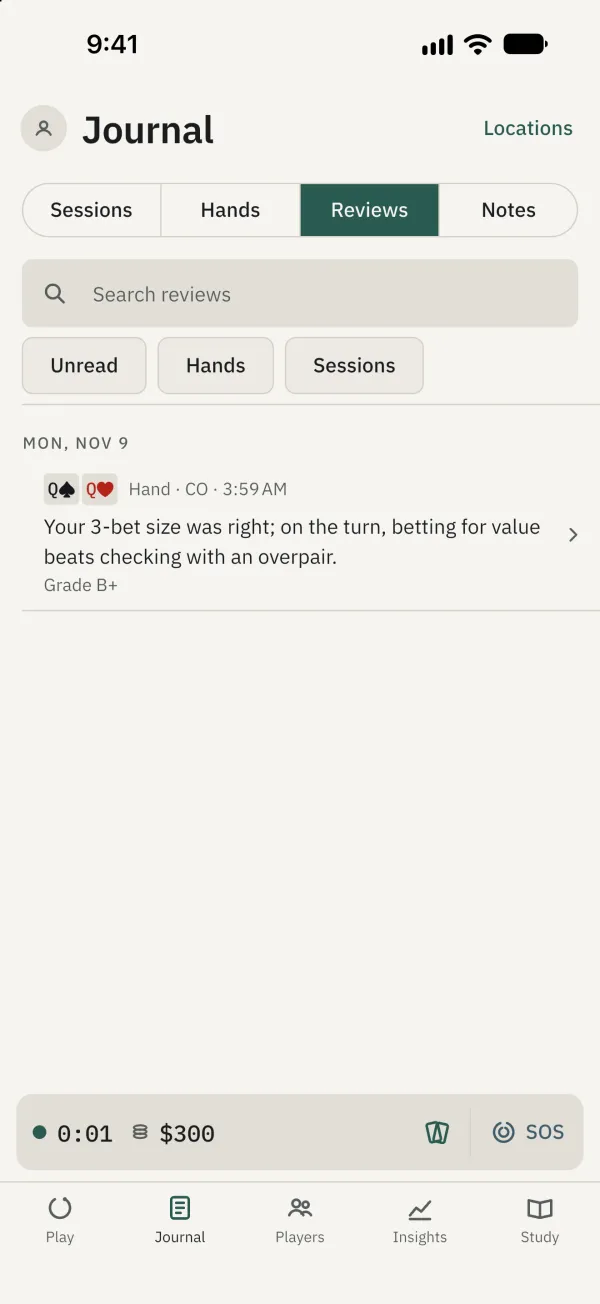
Wait for the result. You can leave the page and return later, or find it under Reviews in Journal. Treat the result as a second opinion and make your own judgment.
Open Journal > Reviews to find all reviews.
Common problems
What happens offline?
The review waits until you are online and uses credits when it runs. Finish the hand or end the session first.