Enter what you leave with when you finish; you can edit the record later.
End a session
On the live screen, tap More.
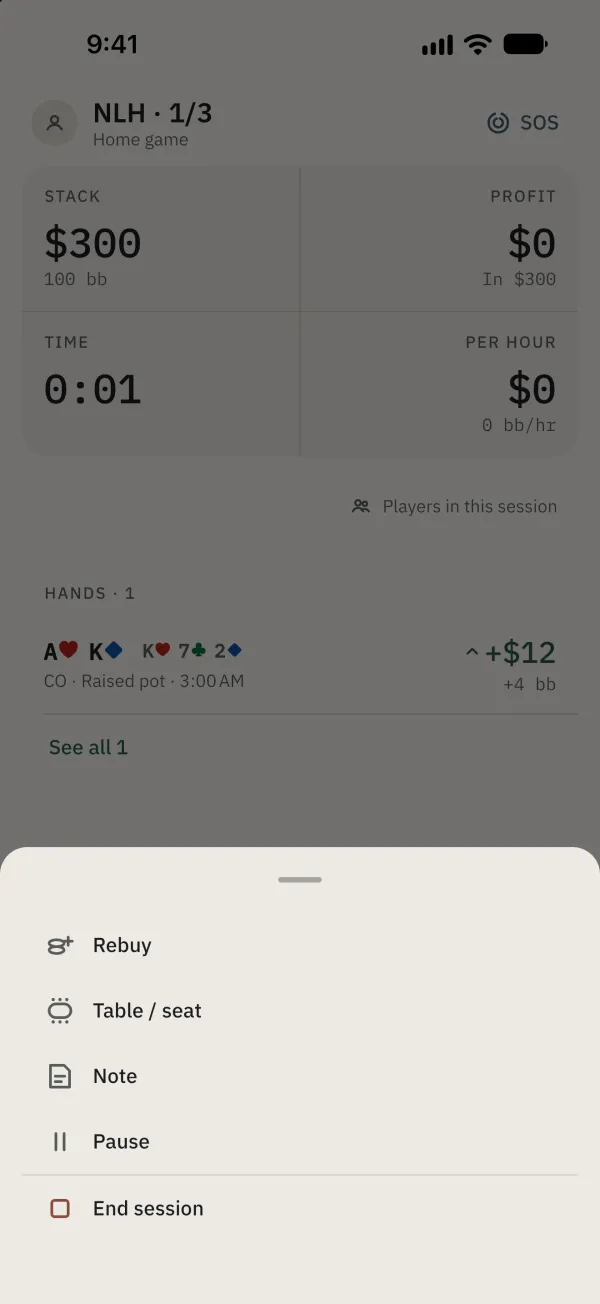
Tap End session to open the cash-out pad. You can also use the red End session link on the live screen.
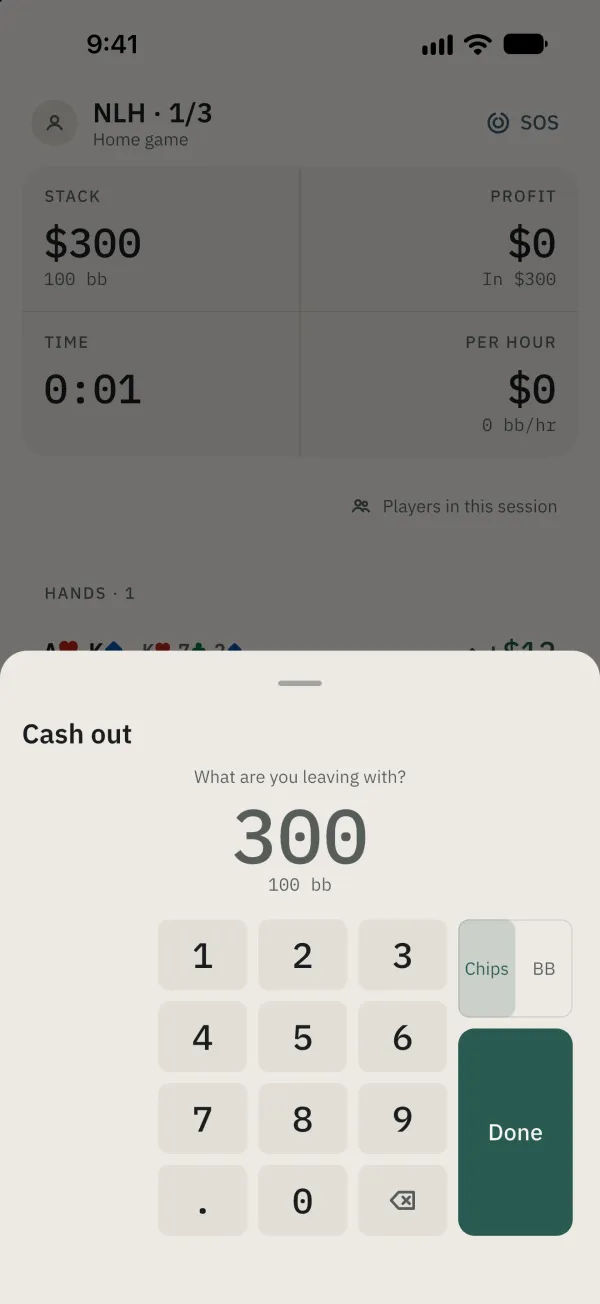
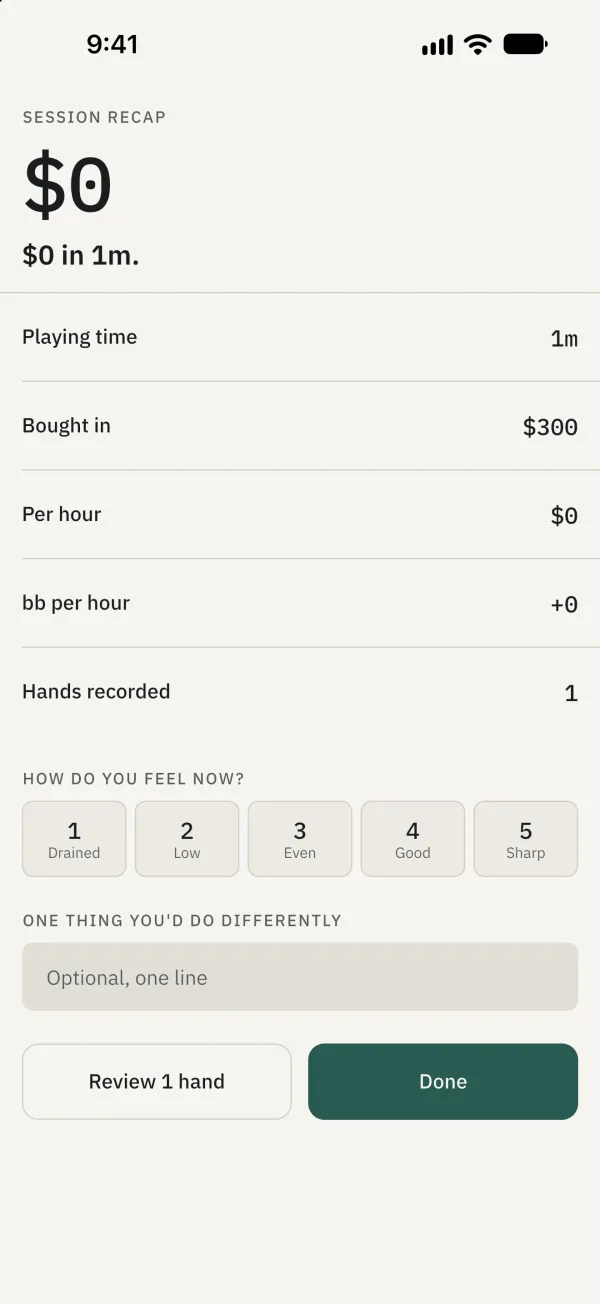
Enter your cash-out amount and tap Done to open the recap. For a tournament, enter your place and prize in turn.
Correct or add a past session
In Journal, choose Sessions.
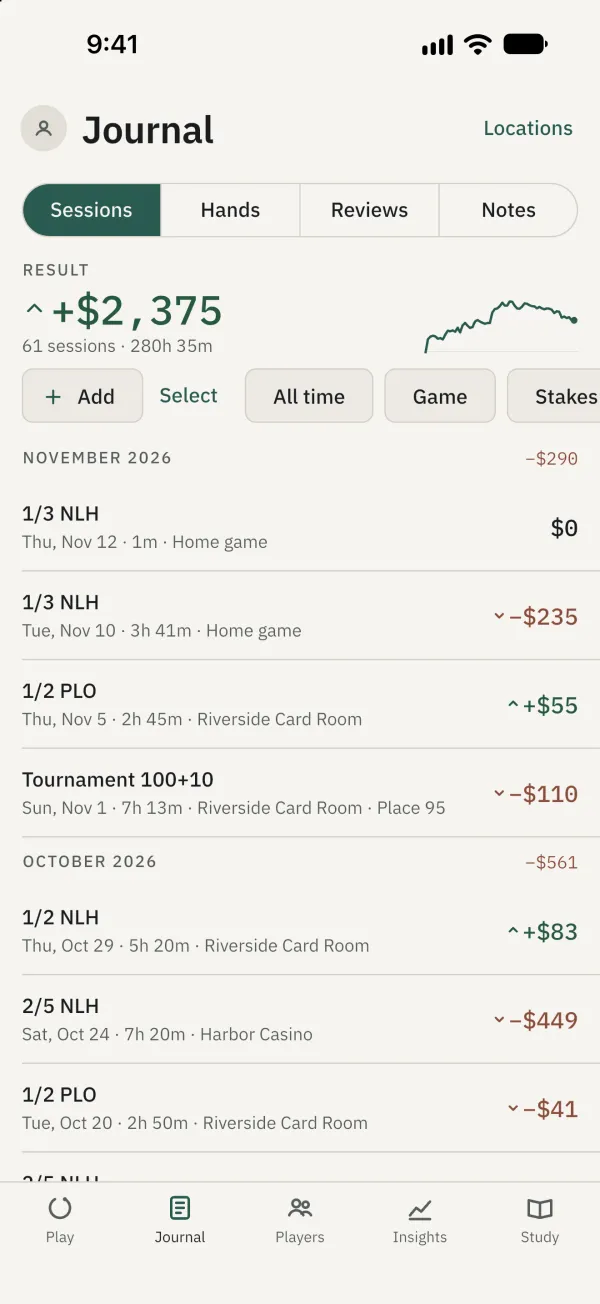
Tap an ended session.
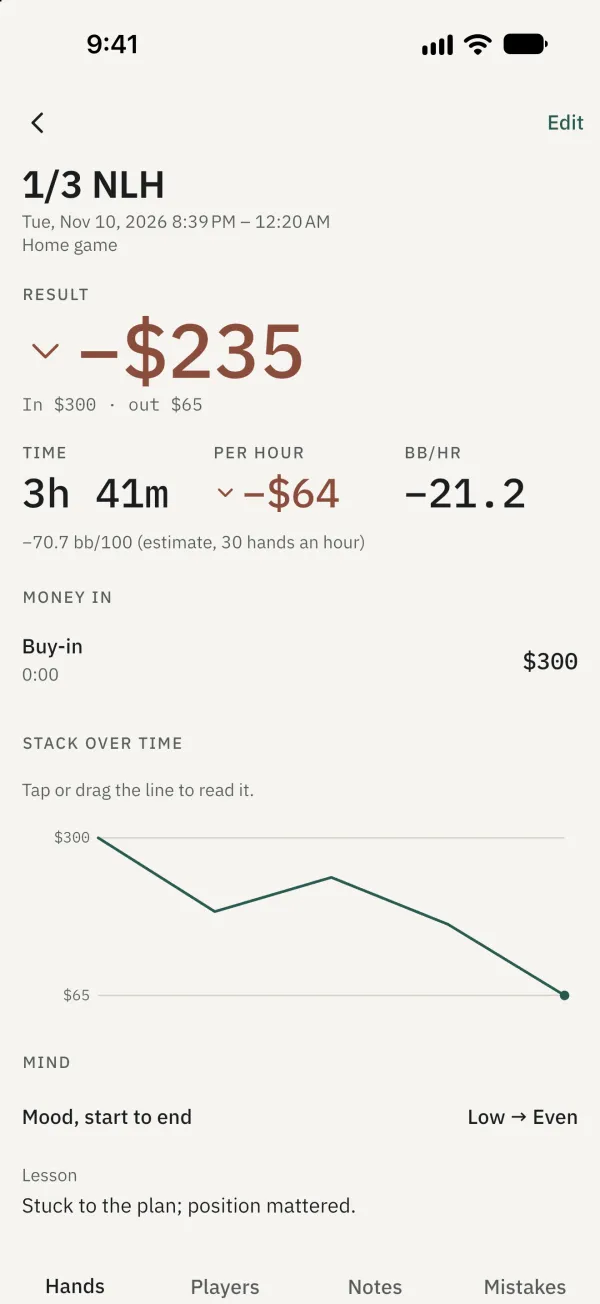
Tap Edit.
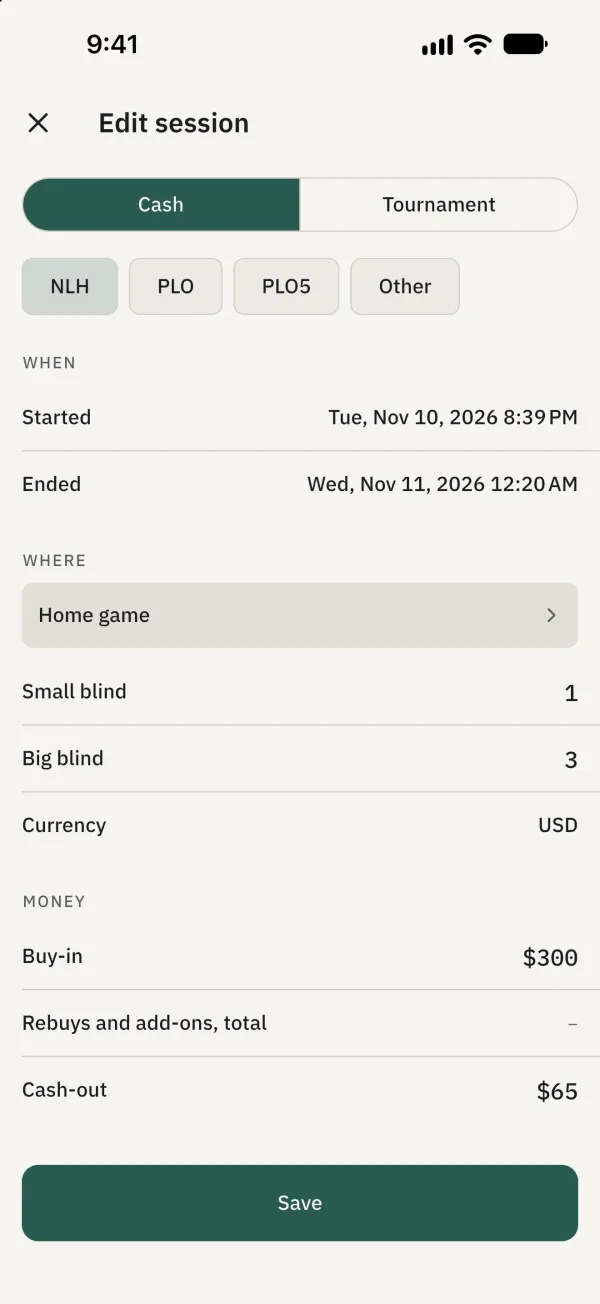
Correct the time, location or amounts, then tap Save. Read the form’s warnings before changing the rebuy total or times.
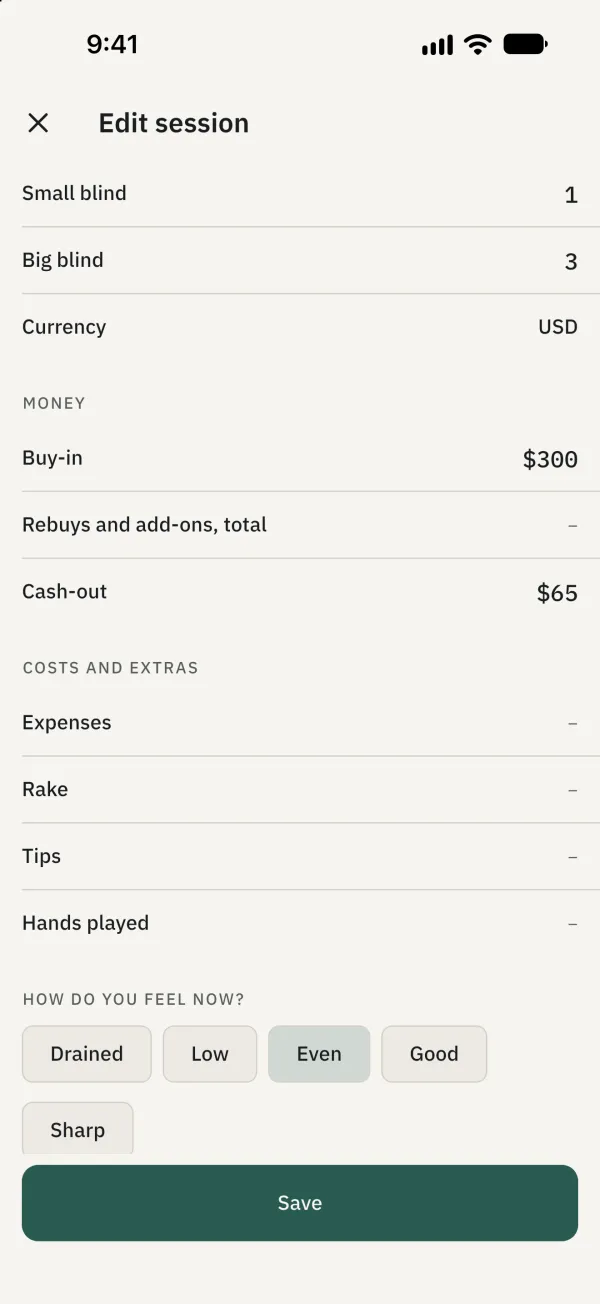
To add a missed session, tap Add in the sessions list, fill in the details and save.
Common problems
Can’t find Edit?
Only ended sessions can be edited from their detail page.