Open the recorder from your live session and enter the hand as it unfolds.
Record a hand
In the live session, tap Hand. To adjust seats or blinds first, tap Table, make changes and tap Use this table.
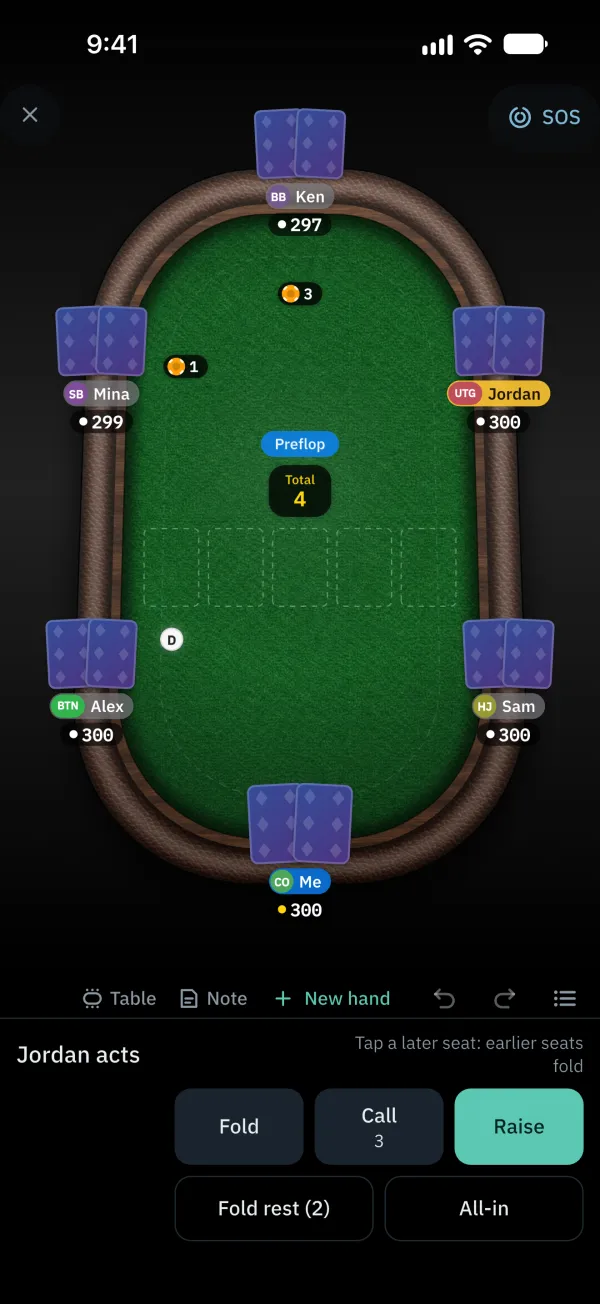
Tap your card spot to choose your cards; unknown cards can stay empty.
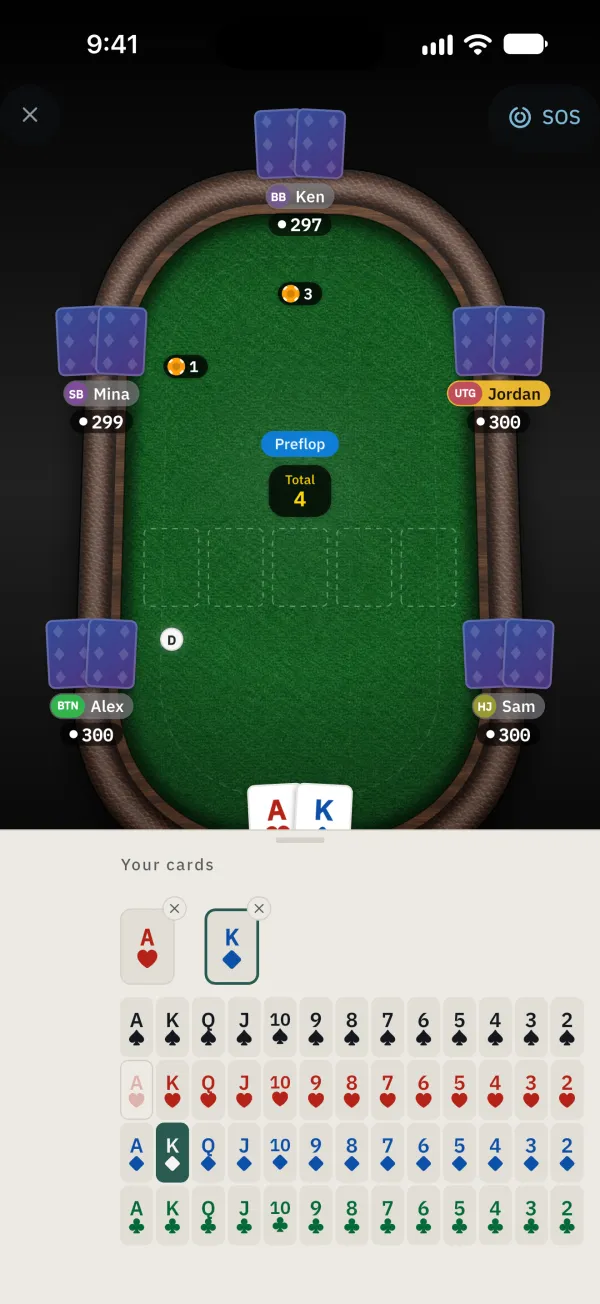
Close the card picker, record the preflop actions and choose the flop cards. Continue recording actions in order.
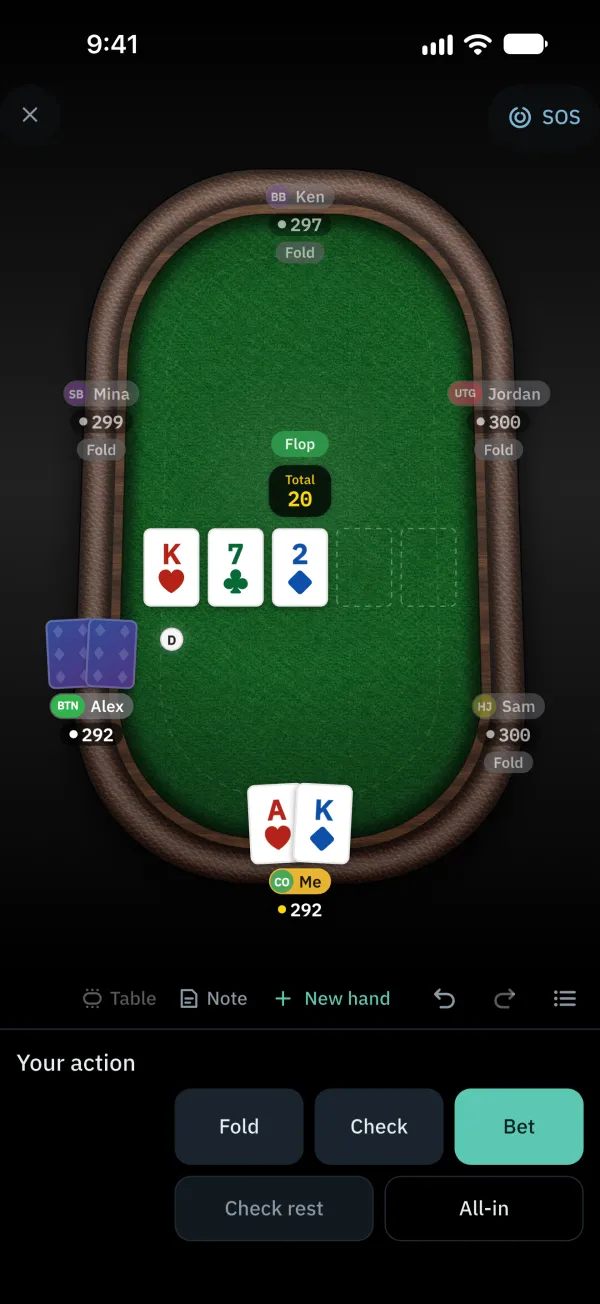
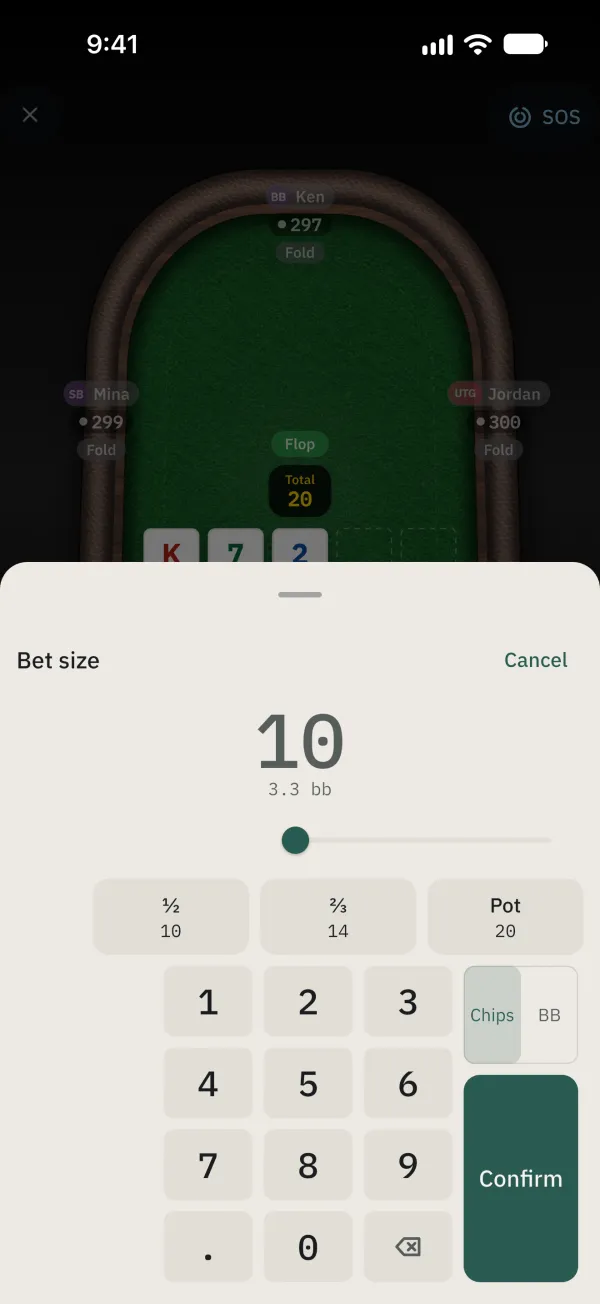
Tap Bet or Raise and set the amount, then tap Confirm.
When the board picker appears, choose the cards, or tap Skip if you do not know them.
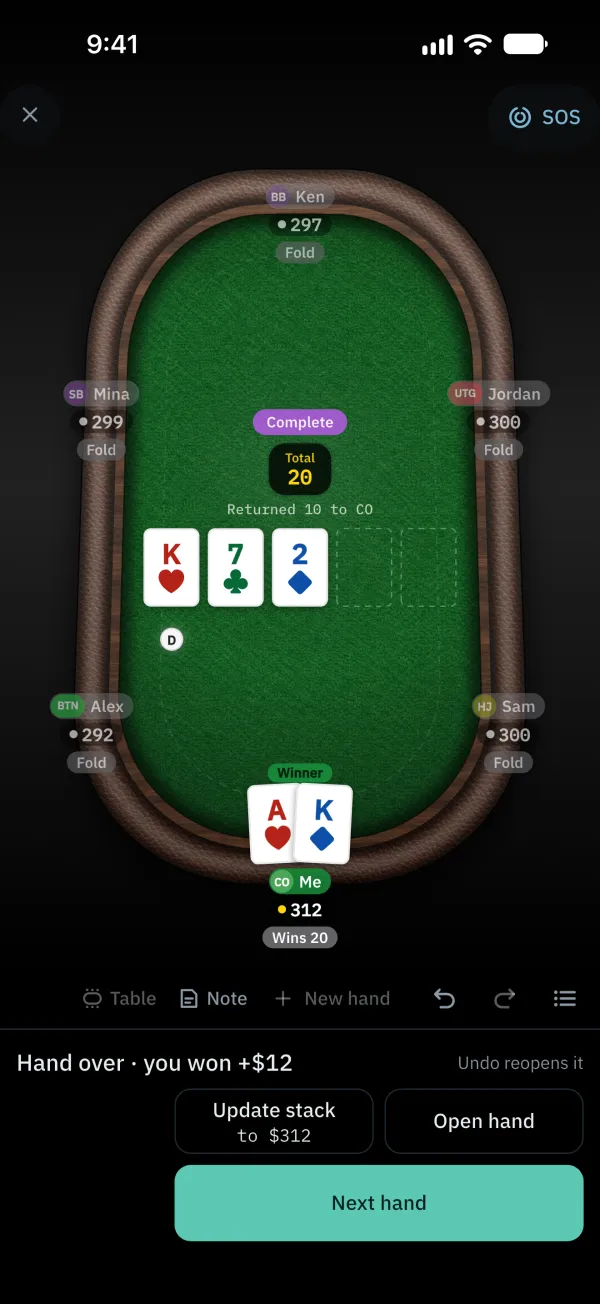
At showdown, select the winner and save. If the hand saved automatically, the completed screen shows the result. Tap Open hand to inspect it or Next hand to continue.
Common problems
Entered an action incorrectly?
Tap the undo icon to go back; use the redo icon to redo an action.