You can log a hand when at least two players remain at the table.
Log a hand
On the live table, tap Log hand and set players, blinds, starting chips and seats.
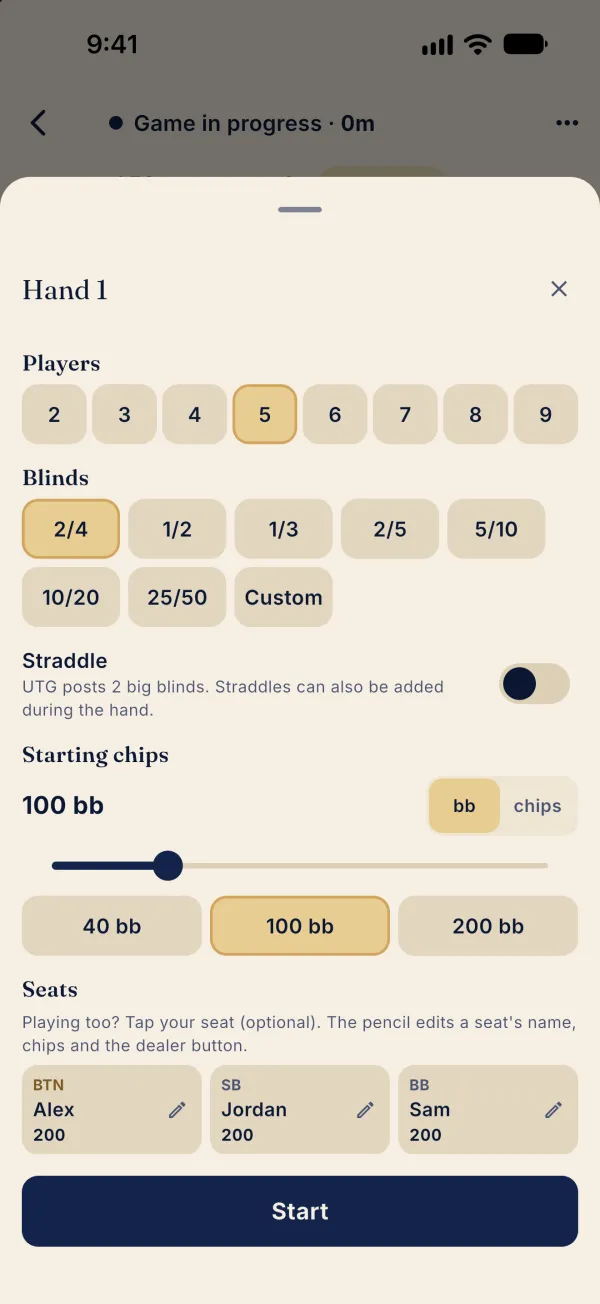
Tap Start to open the recorder.
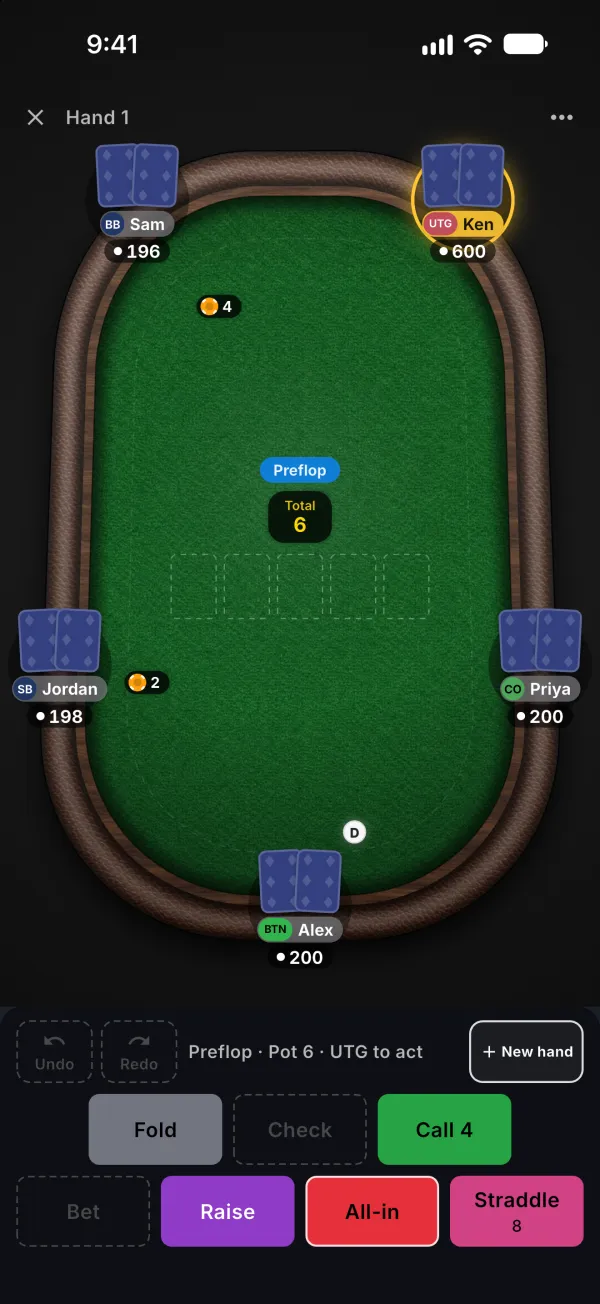
To record a raise, tap Raise and enter the amount.
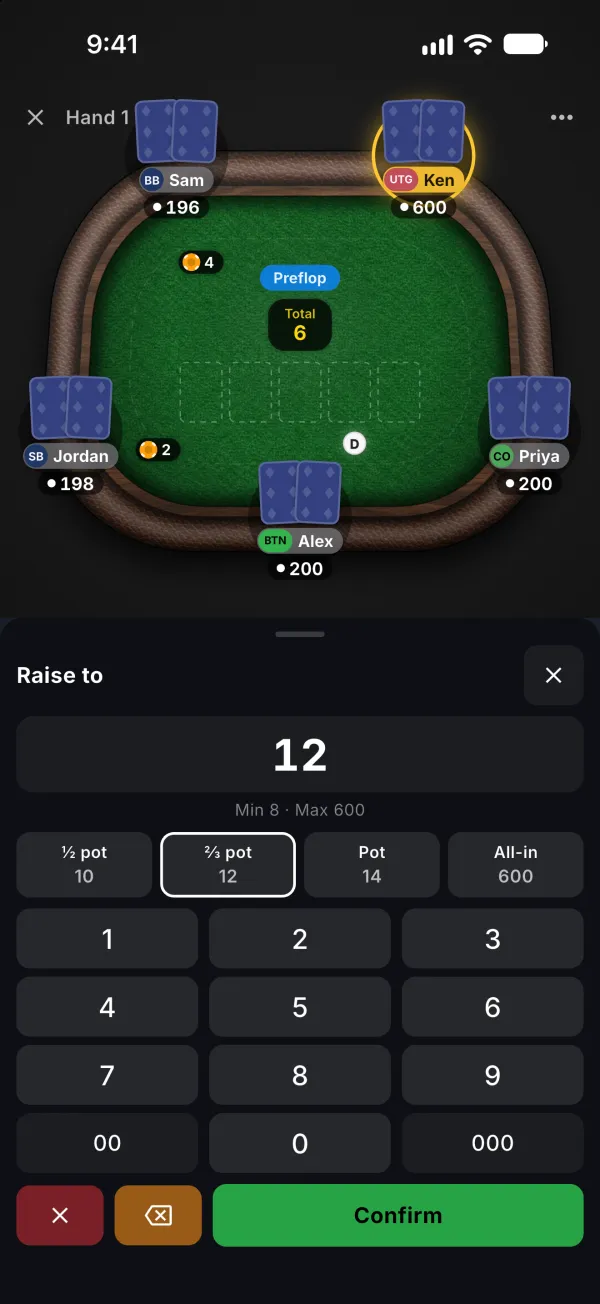
Confirm the amount, record the remaining actions and enter the flop cards.
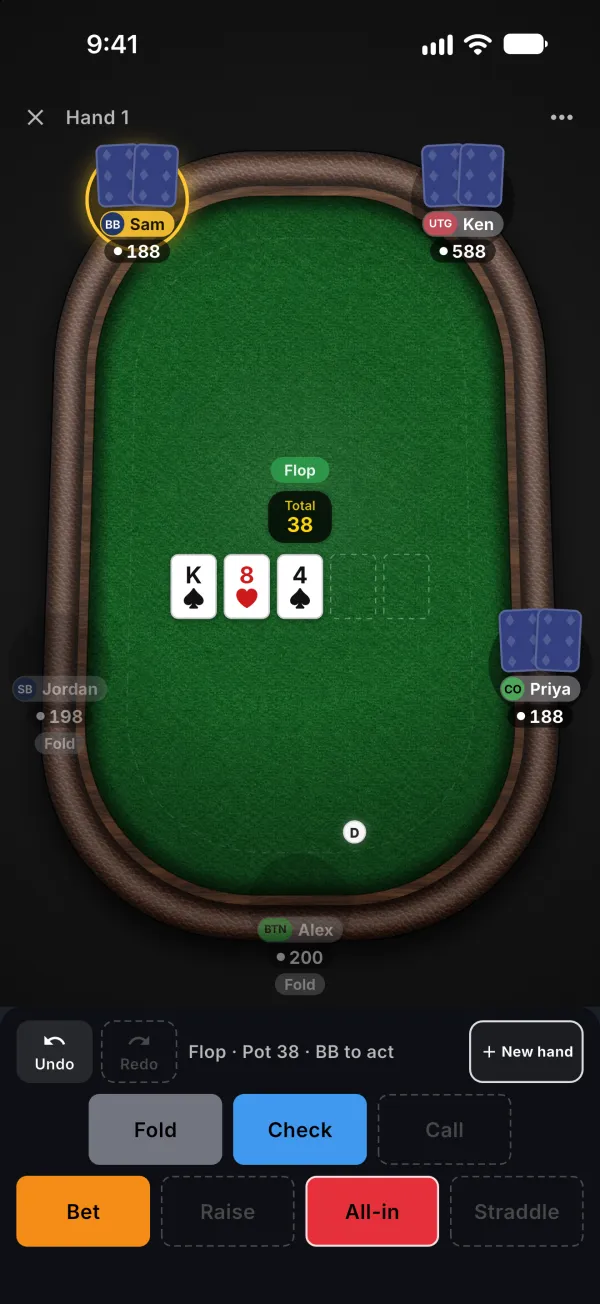
Continue recording actions until the hand ends.
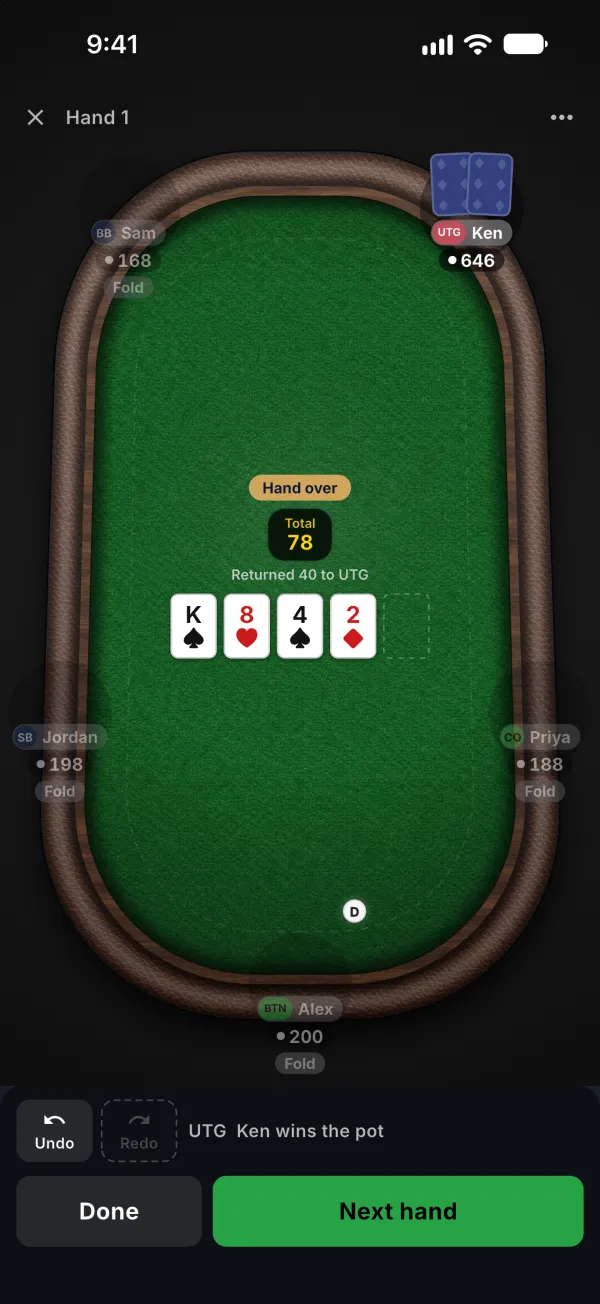
Tap Done to return to the live table.
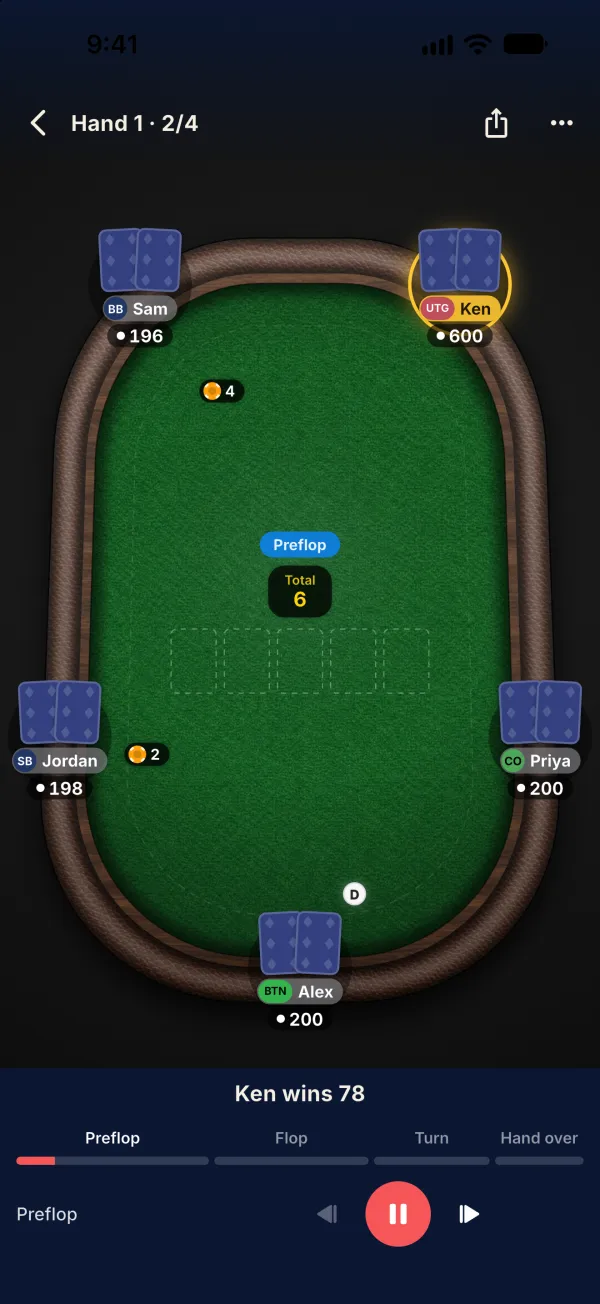
Tap the hand count to open Tonight's hands.

Tap the hand to replay it with the playback controls.
Common problems
Where is the log-hand button?
Look for Log hand in the live table’s bottom bar. At least two players must still be at the table. If the button is hidden, check that Hand tracking is enabled in Labs. Closing an unfinished hand with recorded content keeps a draft; an empty hand is discarded.