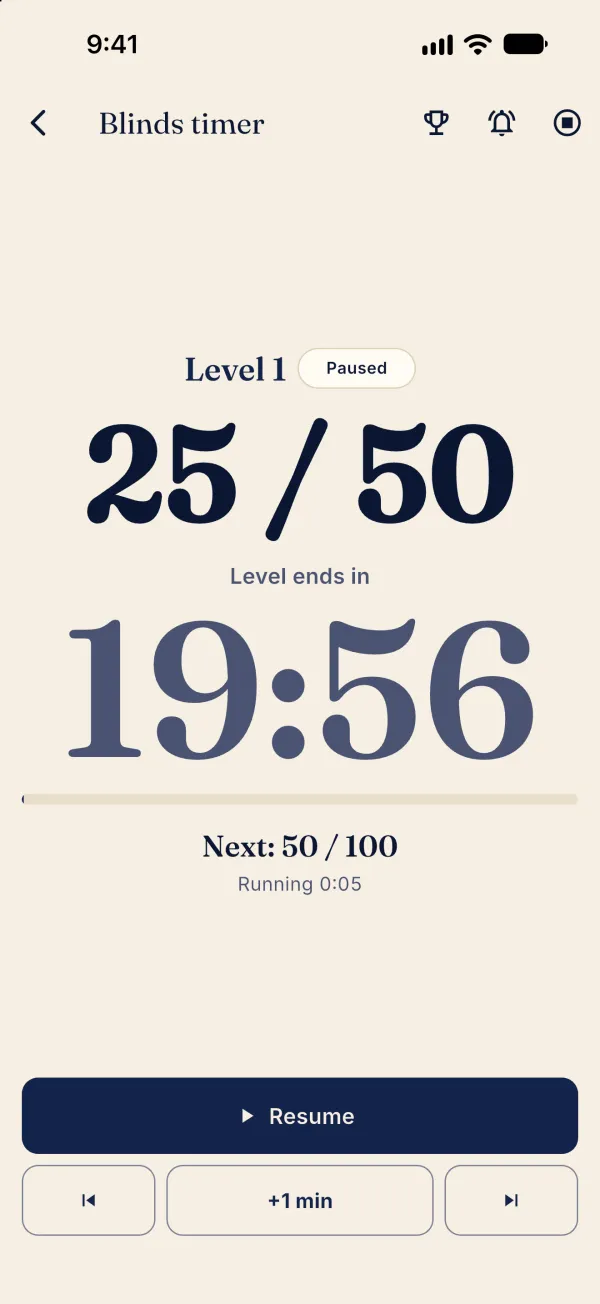
The blinds timer can run independently of the game ledger.
Start and control the timer
On Tonight, find Blinds clock only under Tournament night?.
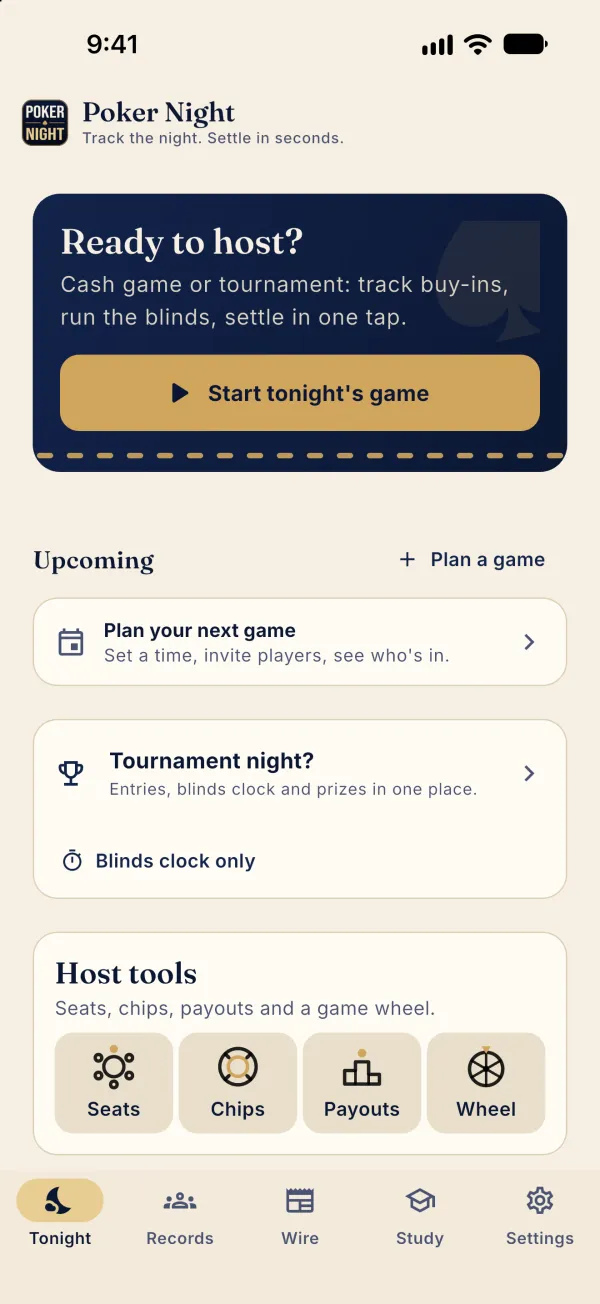
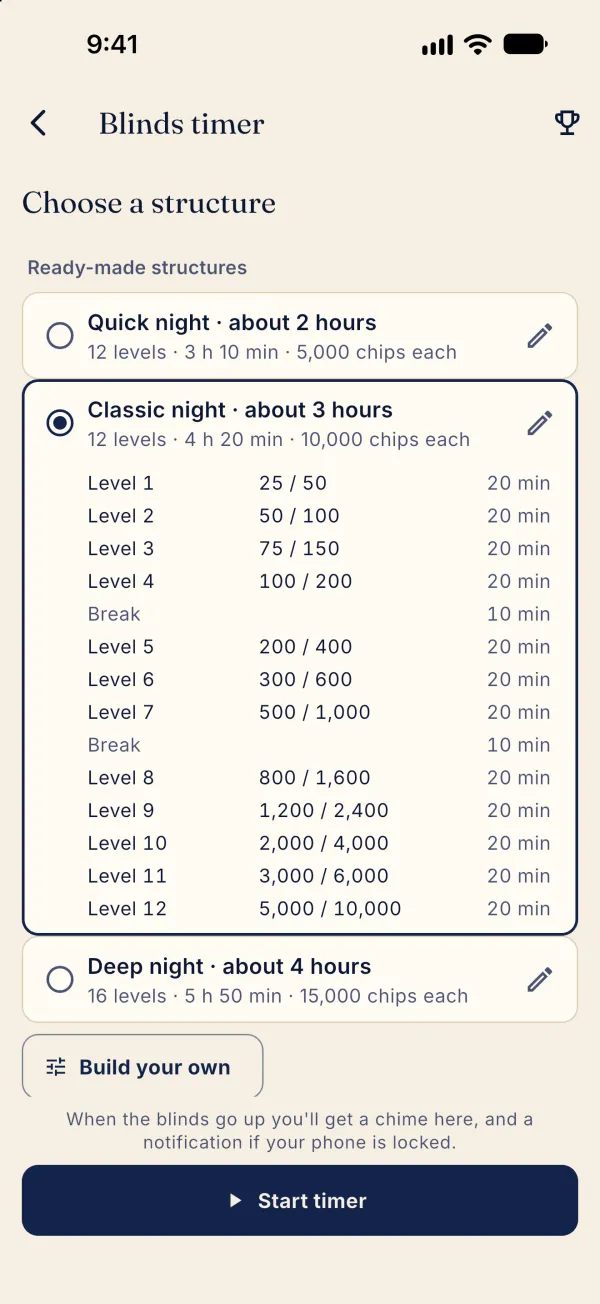
Tap Blinds clock only to choose a structure. In a live game, open ⋯ and choose Blinds timer instead.
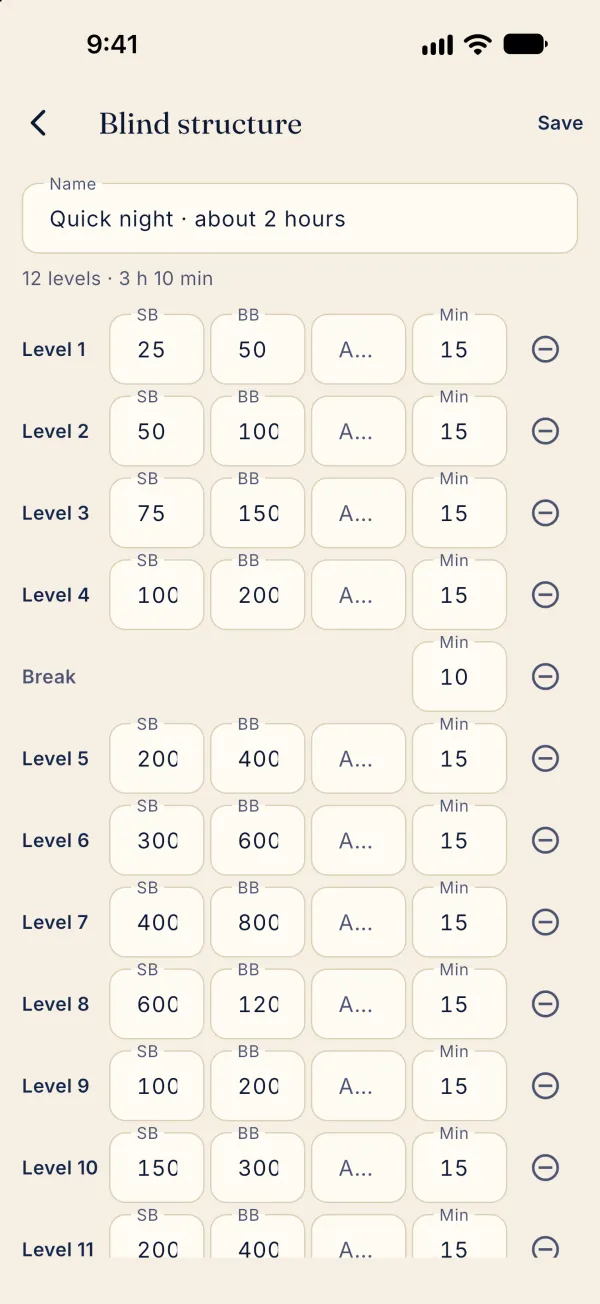
To edit a preset, tap its pencil, or choose Build your own; edit the levels and tap Save.
Back on the structure screen, choose a structure and tap Start timer.
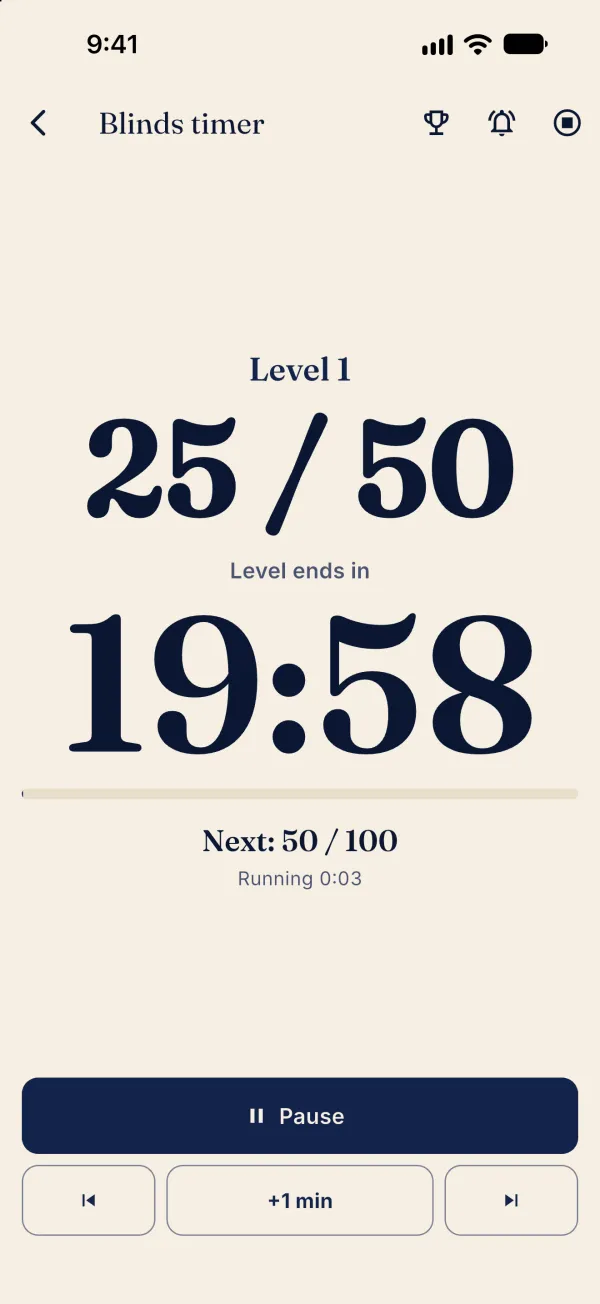
Tap Pause to pause; tap Resume to continue.