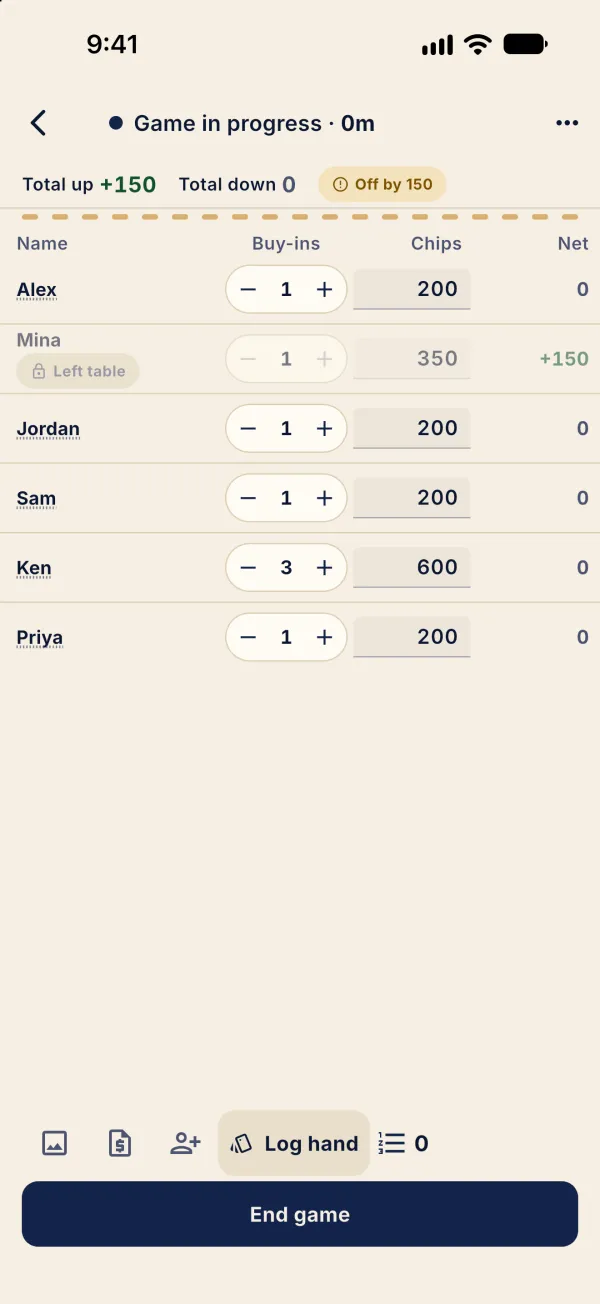
You can add players after a game starts. Players who leave early still count in the balance.
Add a late arrival
On the live table, tap the add-player icon in the bottom bar and select a player. The image shows Priya selected.
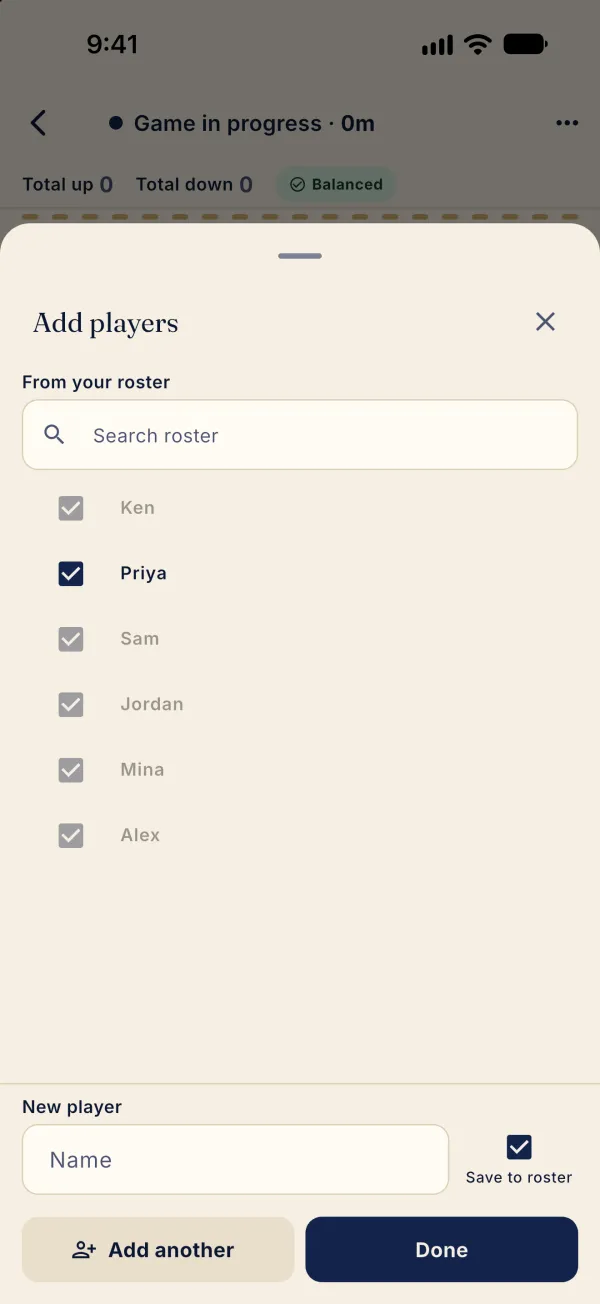
Select a player or enter a new name, then tap Done.
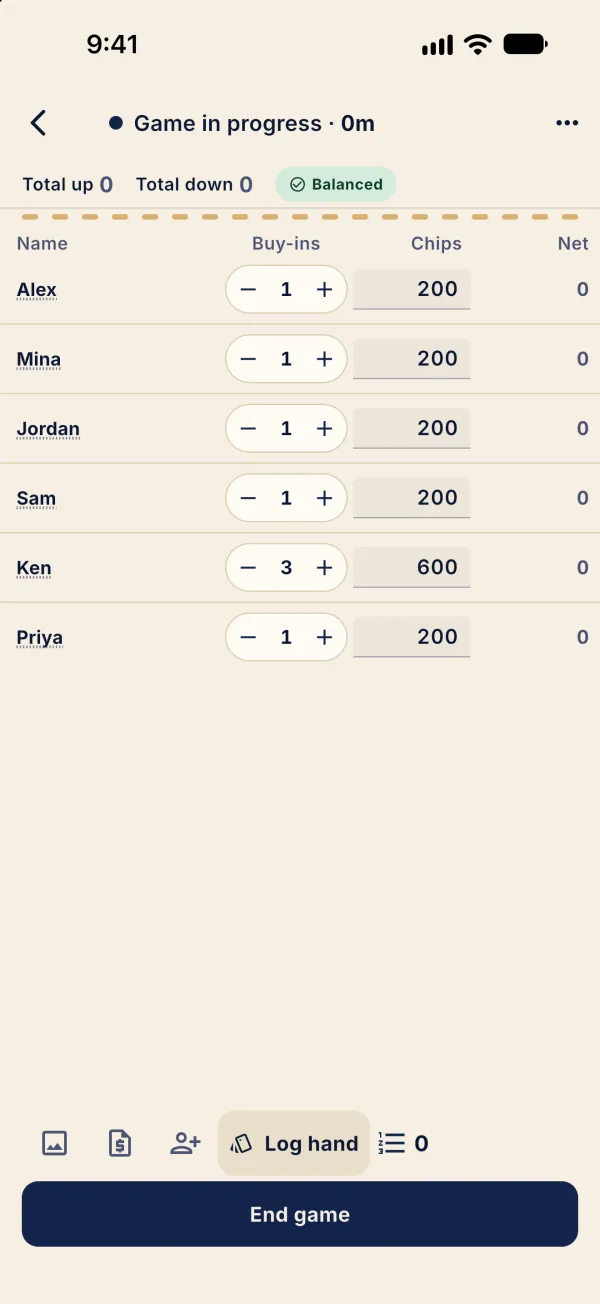
To record a departure, tap the player’s name.
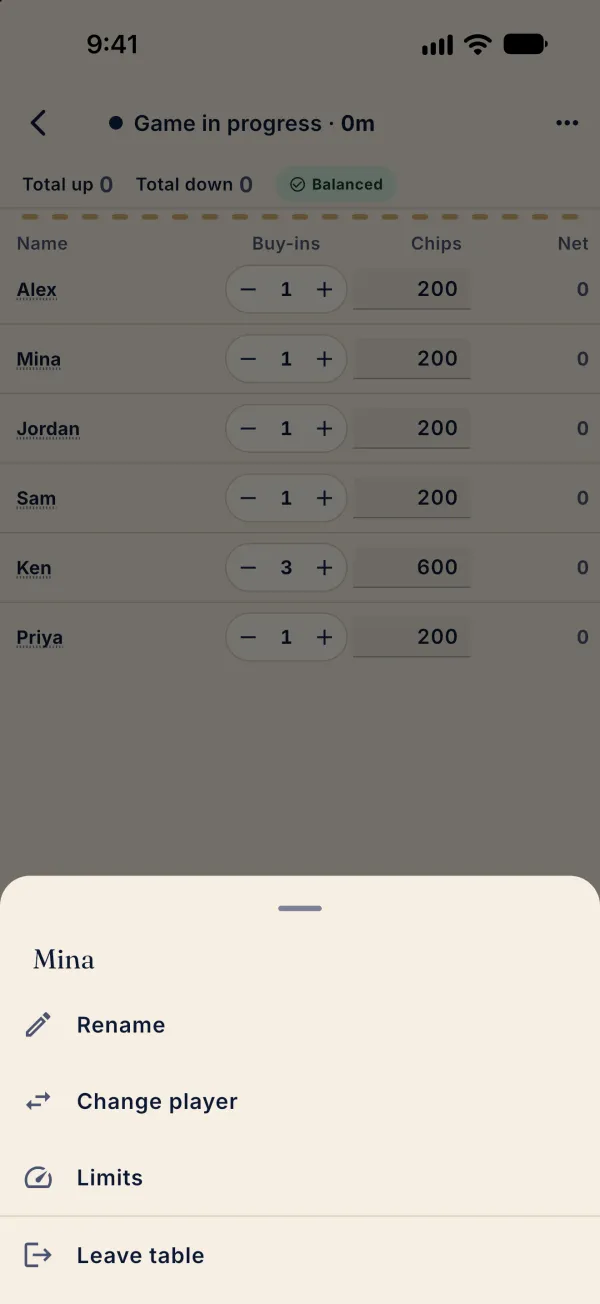
Tap Leave table and enter the chips they are taking away.
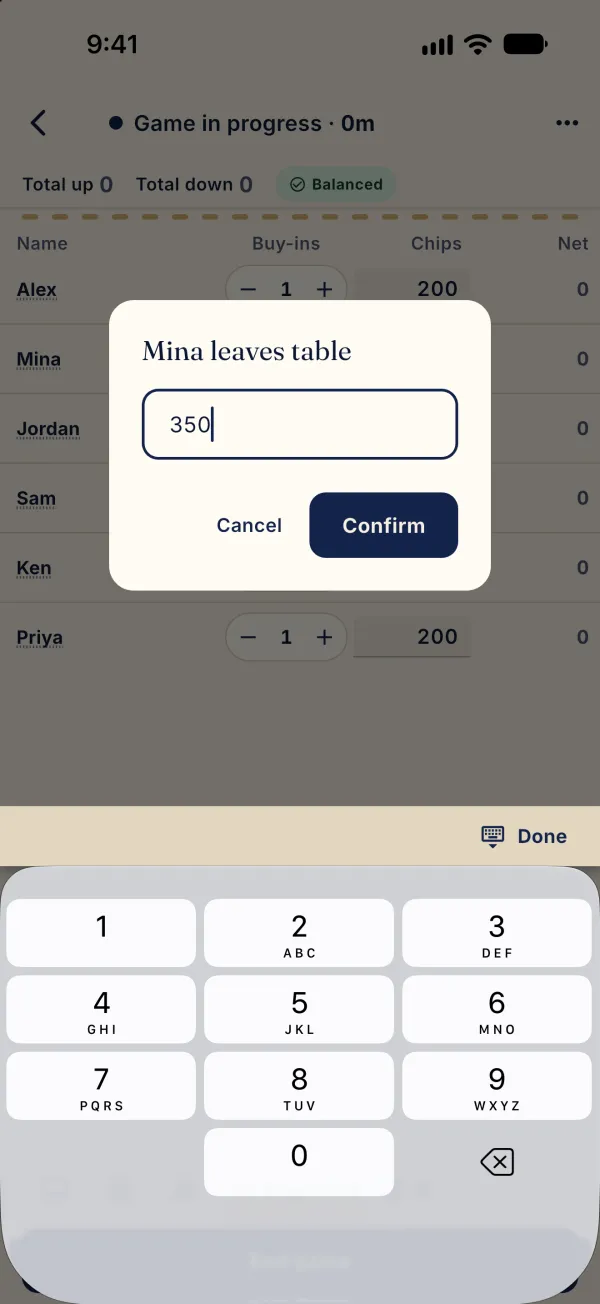
Tap Confirm. The greyed row remains in the balance as Left table. In this example, the footer shows Off by 150; enter the other players’ chips and check the balance.