Have players count their chips and check the balance before ending the game.
Enter chips and end the game
On the live table, tap a player’s Chips field and enter the counted stack.
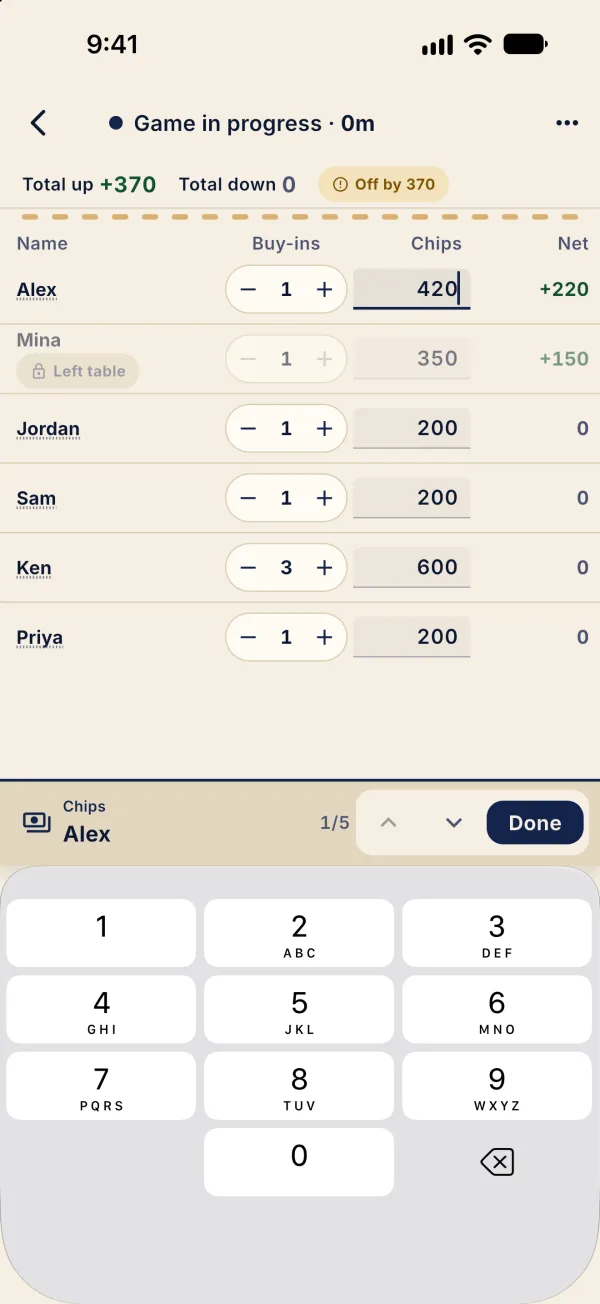
Enter the remaining counts and check Balanced; players who left still count.
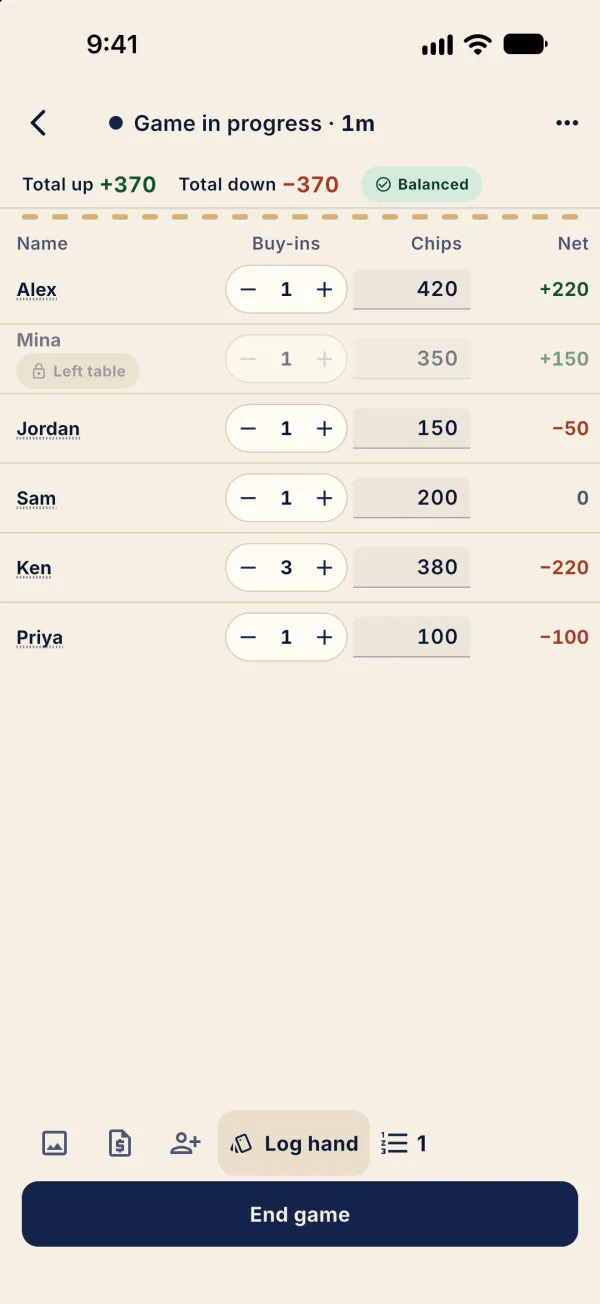
Tap End game to open the settling screen.
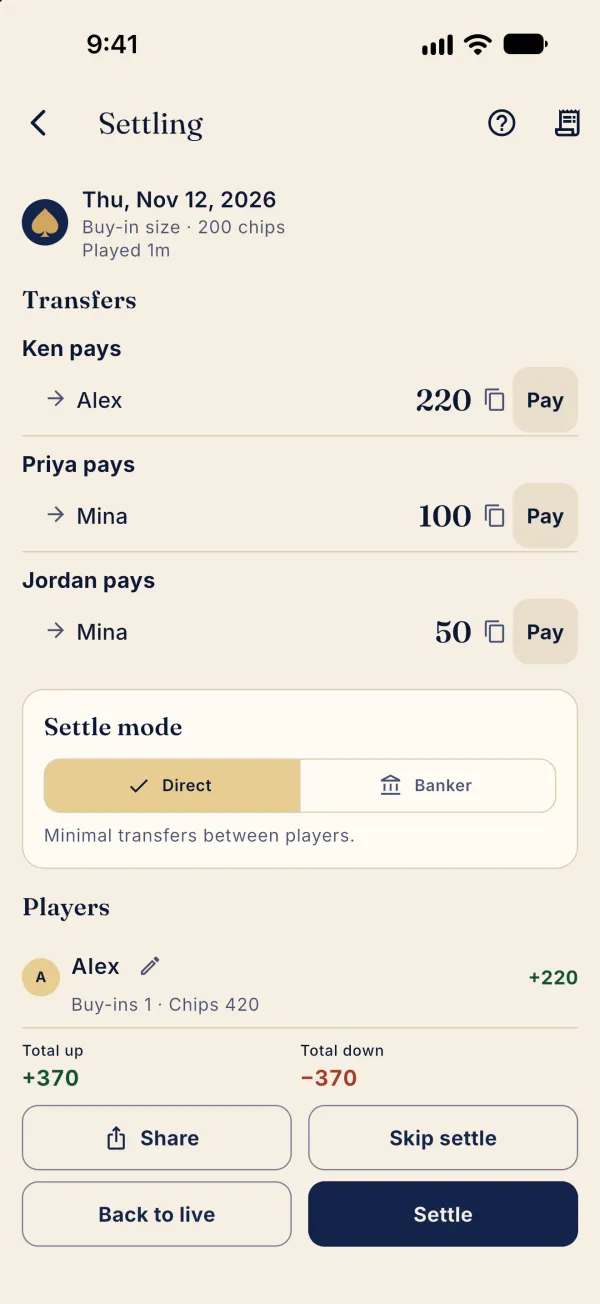
Chips initially follow buy-ins. The table can show Balanced before anyone counts: enter actual stacks before ending. If the totals are off, use Back to live to correct them.