When a player rebuys, update their buy-ins; the app adjusts their chips as well.
Update buy-ins
On the live table, tap + beside a player’s Buy-ins to record a rebuy.
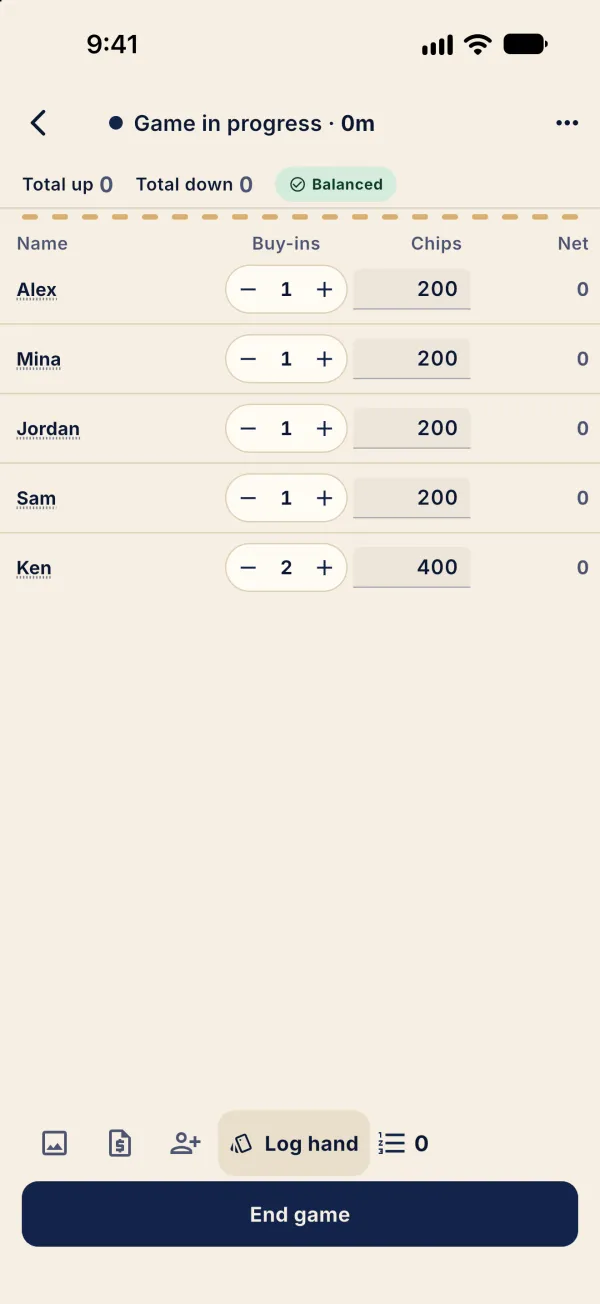
Tap + again for another rebuy. Chips follow the buy-in count until you enter a counted stack.
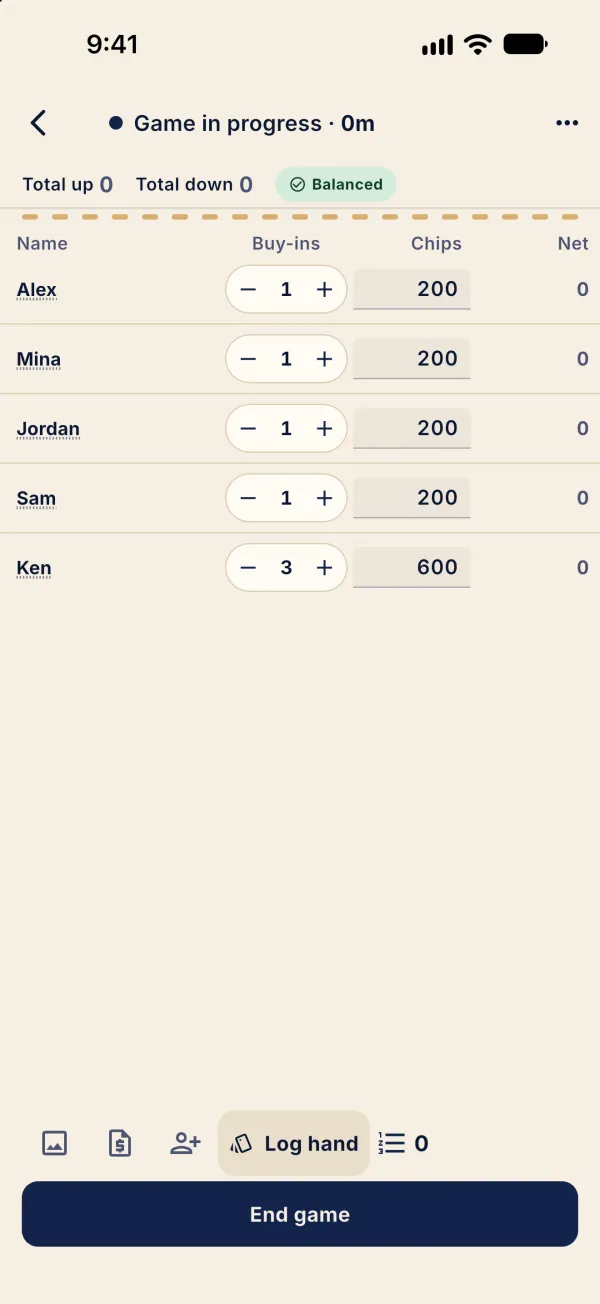
Tap ⋯ at the top right to open Table tools.
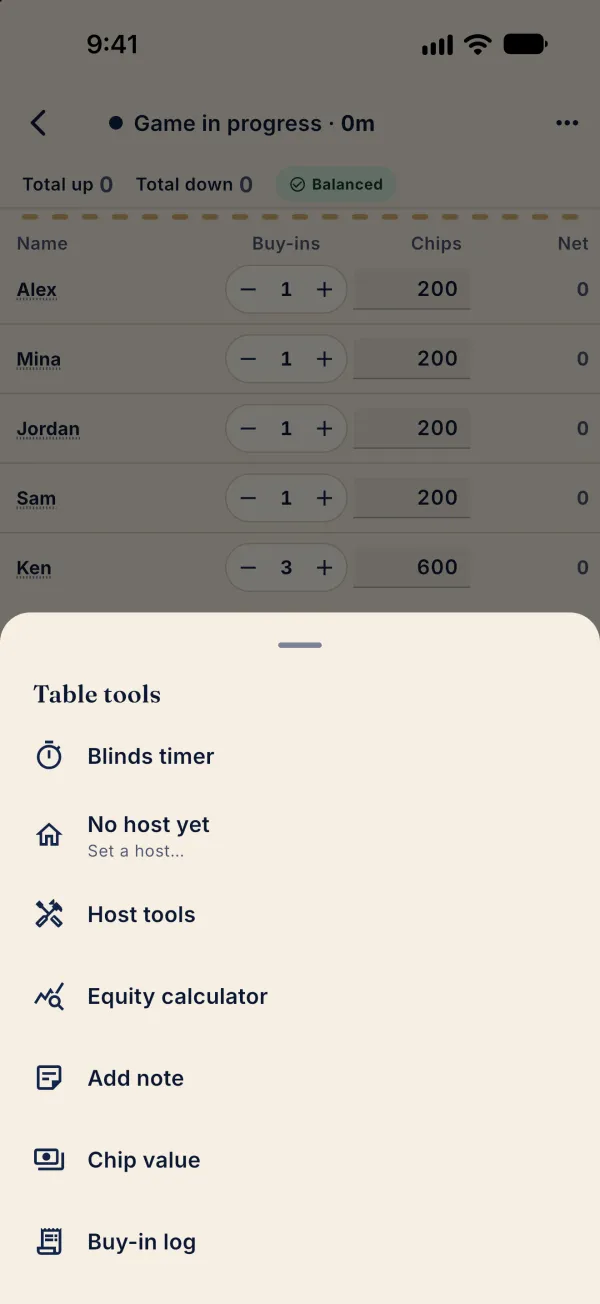
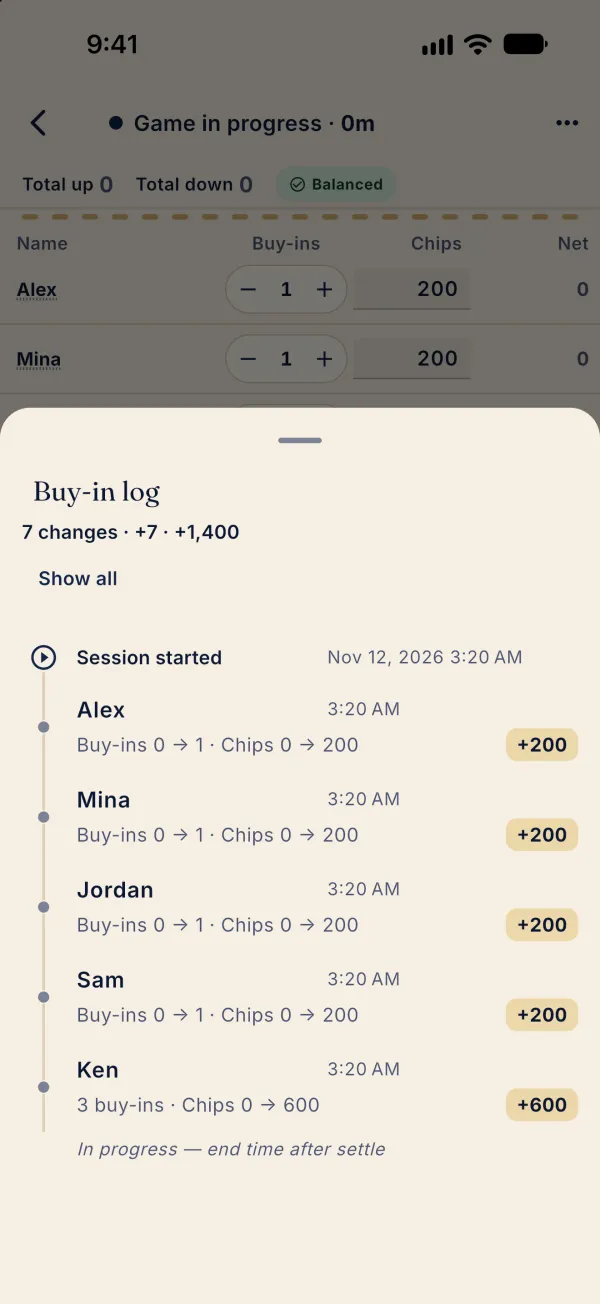
Tap Buy-in log to review changes; use Show all to expand them.
Common problems
Why did chips increase after a rebuy?
The app adds the corresponding buy-in size when the count increases. Enter the actual counted stack before ending.